Centrally Managing CTERA Agents 12
CTERA C-Series User Guide 229
Configuring Global Software Update Settings
You can configure connected CTERA Agents to automatically download and install software
updates. The software updates are downloaded from the CTERA Portal to the appliance, and
then the appliance distributes them to connected agents.
In order to provide automatic software updates to CTERA Agents, the appliance
must be connected to cloud services.
To configure global software update settings for all CTERA Agents
1 In the Configuration tab's navigation pane, click Local Backup > CTERA Agents.
The Local Backup > CTERA Agents page appears.
2 Click Configuration.
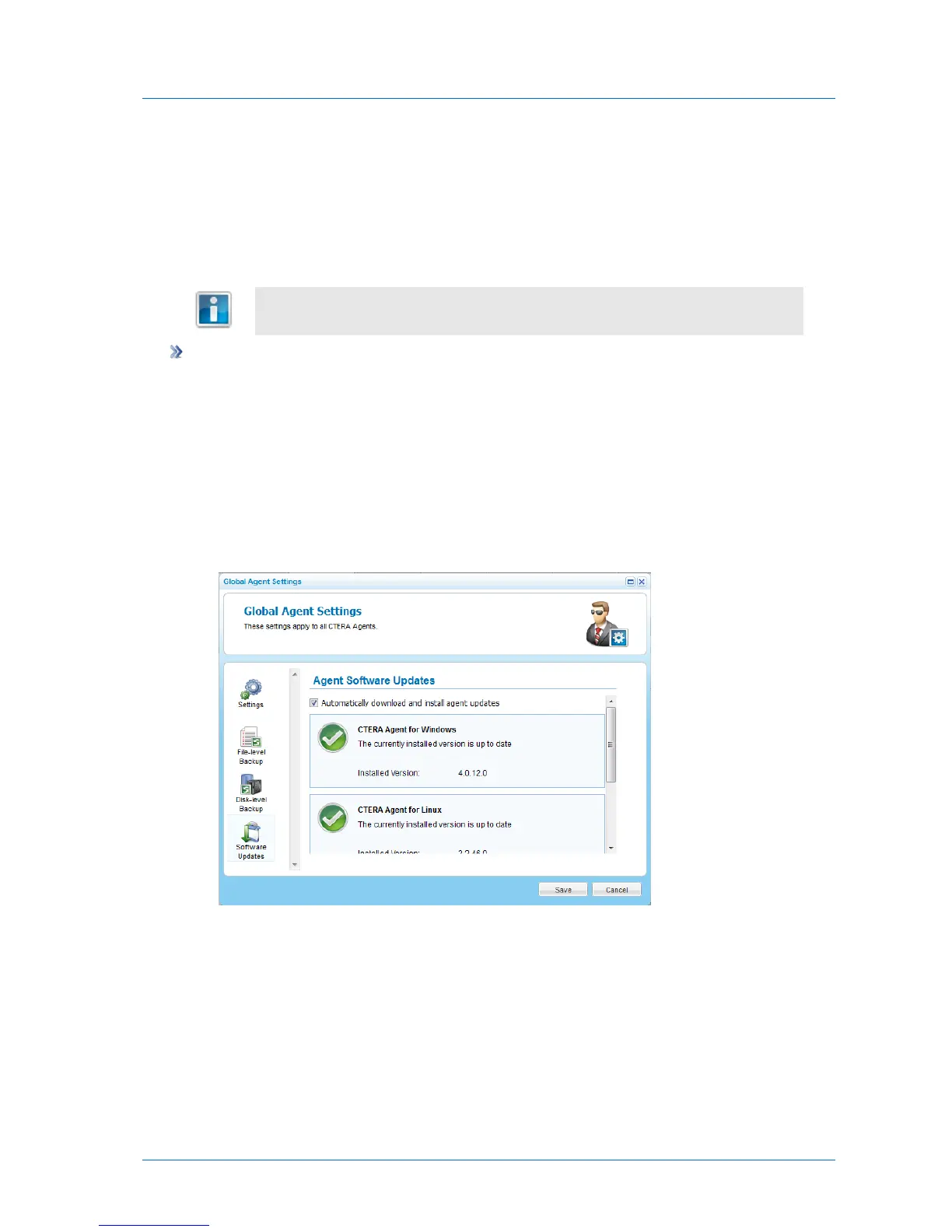
The Global Agents Settings window opens displaying the Settings tab.
3 Click the Software Updates tab.
The Software Updates tab appears.
4 Select the Automatically download and install agent updates check box.
5 Click Save.



 To Next Page