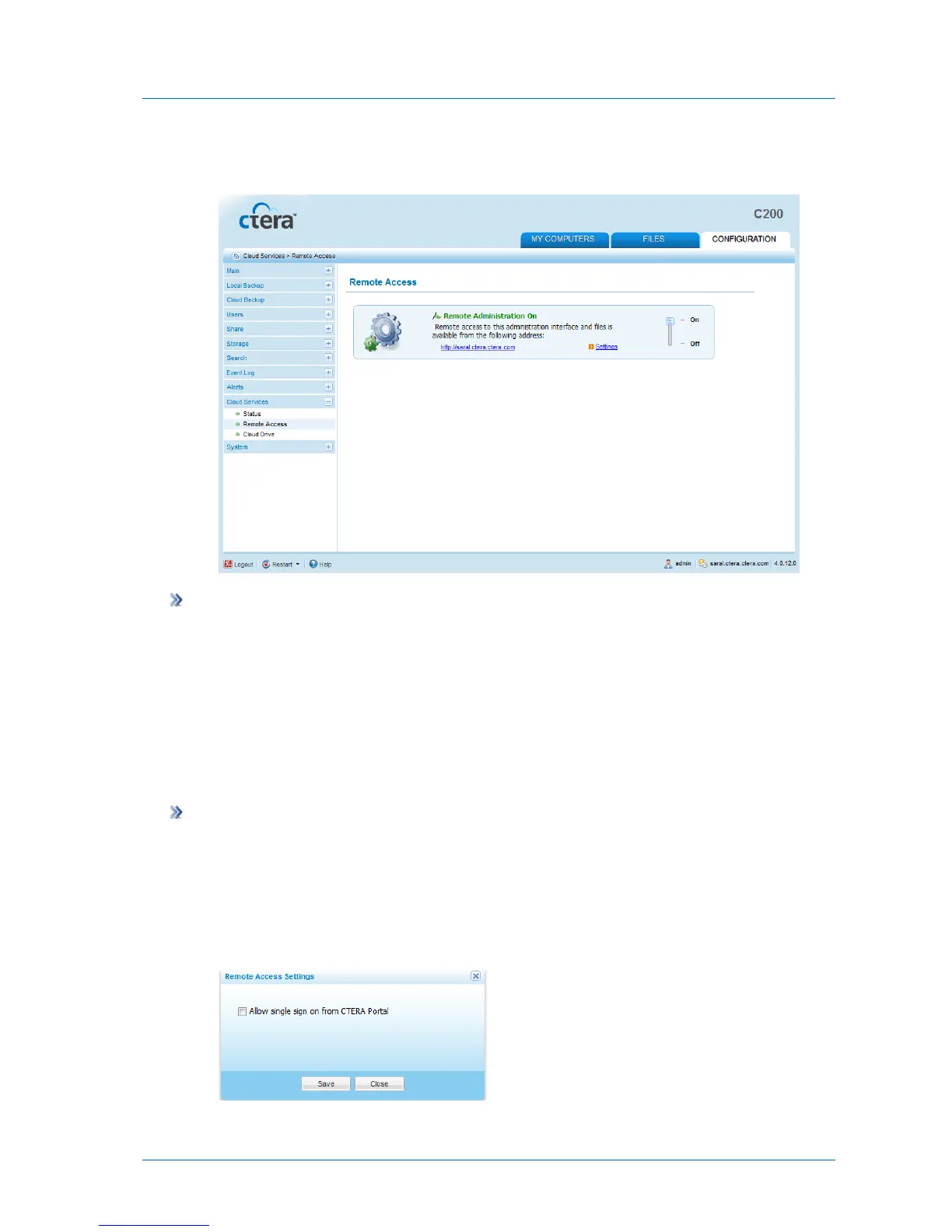
A link appears, which you can click on to view a remote management page. You can keep
this link in your browser bookmarks, for remote access to this appliance.
To disable remote access
1 In the Configuration tab's navigation pane, click Cloud Backup > Remote Access.
The Cloud Backup > Remote Access page appears.
2 Slide the lever to the Off position.
Remote access is disabled.
Configuring Remote Access Settings
To configure remote access settings
1 In the Configuration tab's navigation pane, click Cloud Backup > Remote Access.
The Cloud Backup > Remote Access page appears.
2 Click Settings.
The Remote Access Settings dialog box opens.



 To Next Page