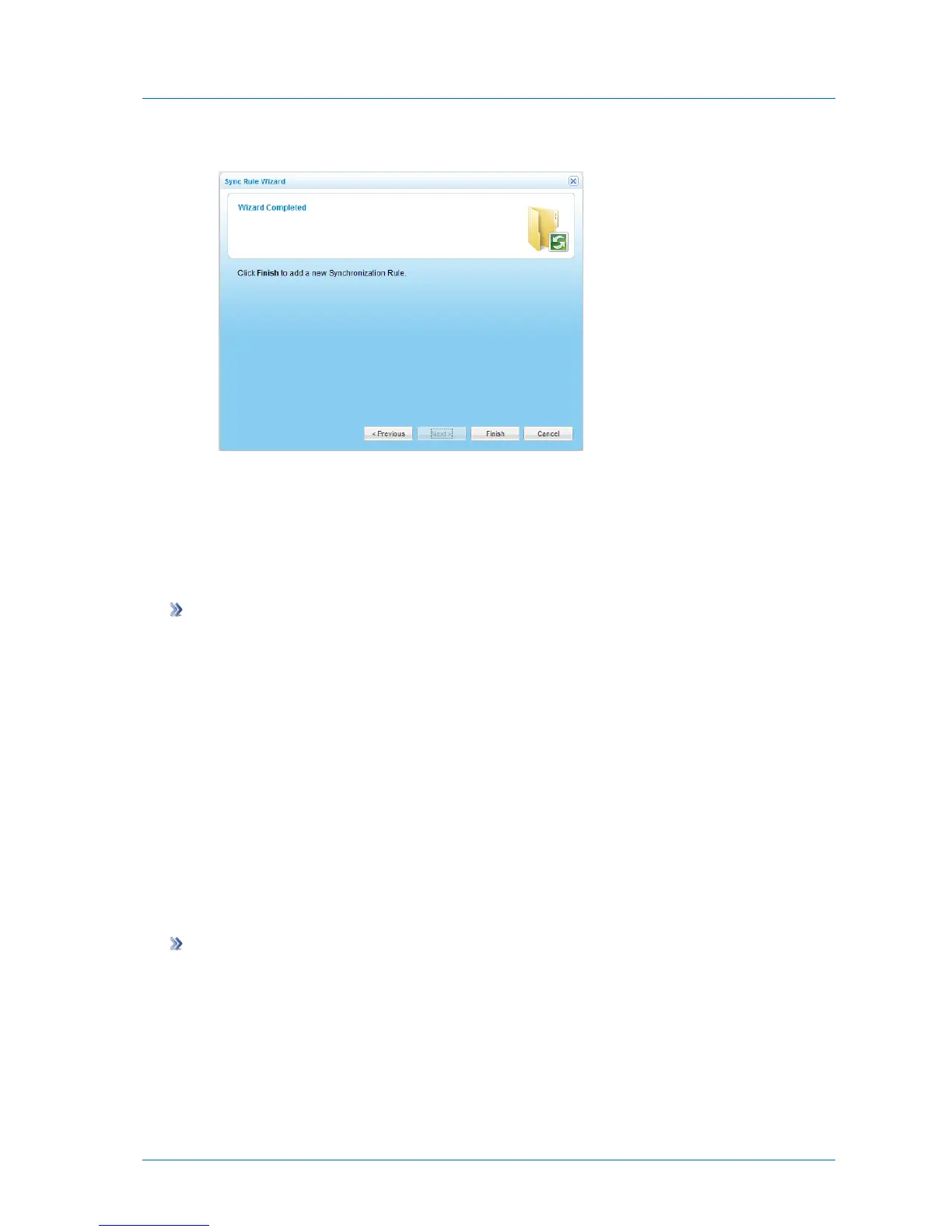
The Wizard Completed screen appears.
6 Click Finish.
The sync rule is added for the specified folder, and appears in the Synchronize > Sync
Rules page.
Deleting Sync Rules
To delete a sync rule
1 In the Configuration tab's navigation pane, click Synchronize > Sync Rules.
The Synchronize > Sync Rules page appears.
2 Select the desired rule and click Delete.
A confirmation message appears.
3 Click Yes.
The rule is deleted.
Manually Starting/Stopping Synchronization Operations
You can manually start synchronization at any time, and stop a running synchronization
operation.
To manually start a synchronization operation
1 In the Configuration tab's navigation pane, click Synchronize > Sync Rules.
The Synchronize > Sync Rules page appears.
2 Select the desired rule, and click Run.



 To Next Page