CTERA C-Series User Guide 83
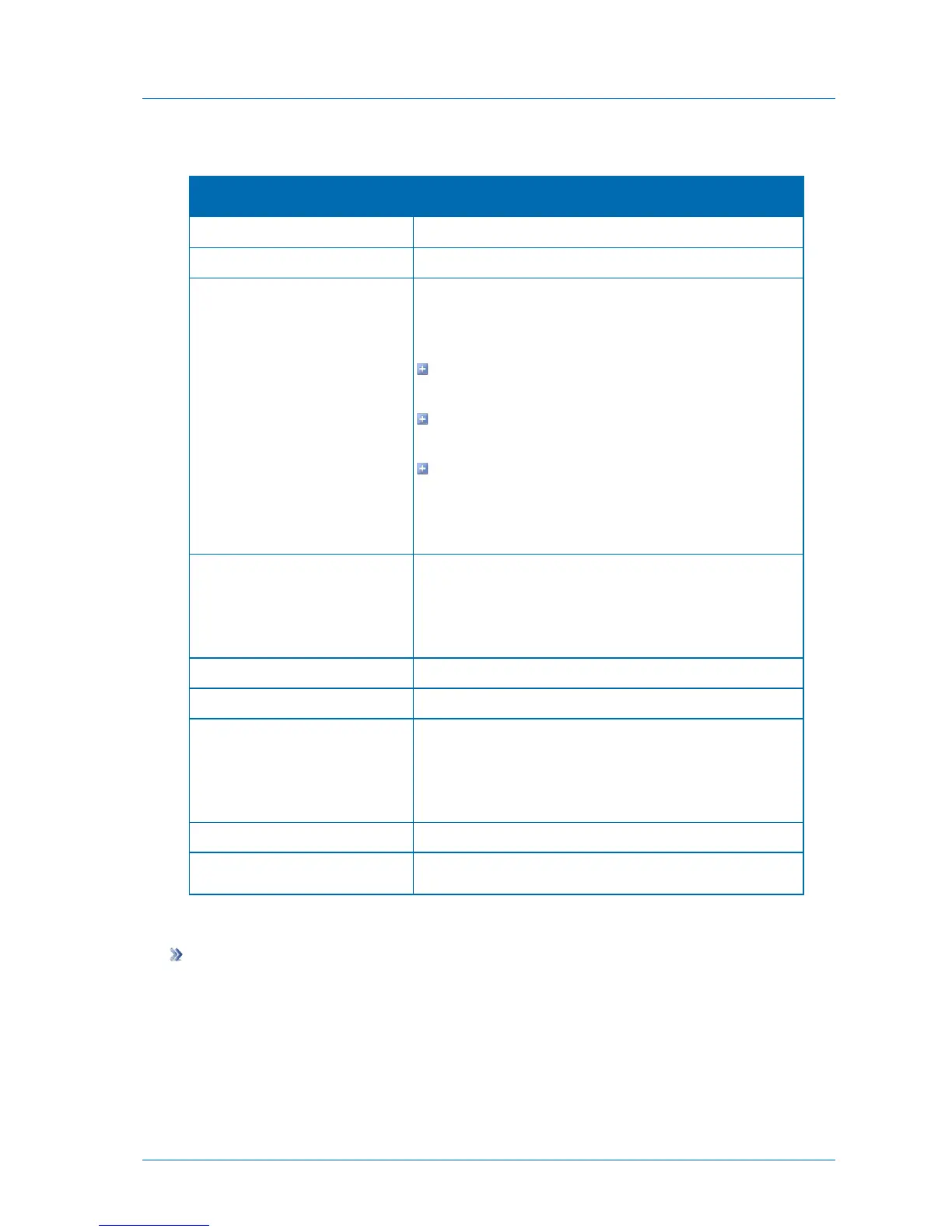
Table 20: iSCSI Target Fields
Type a name for the target.
Select the SAN volume to be mounted.
Specify whether CRC-32 should be used to detect errors in data
transmitted between the remote host and the iSCSI target, by
selecting one of the following:
None. Do not use CRC-32. This setting improves
performance slightly.
Headers Only. Use CRC-32 to verify the integrity of packet
headers. This is the recommended setting.
Headers and Data. Use CRC-32 to verify the integrity of
packet headers and data. This setting is slightly safer than
the other options.
The default value is Headers Only.
Select this option to configure the authentication settings that
the remote host should use when connecting to the iSCSI
target.
The relevant Username and Password fields are enabled.
Type the user name to use for incoming authentication.
Type the password to use for incoming authentication.
Select this option to configure the authentication settings that
the iSCSI target should use when connecting to the remote
host.
The relevant Username and Password fields are enabled.
Type the user name to use for outgoing authentication.
Type the password to use for outgoing authentication.
Deleting iSCSI Targets
To delete an iSCSI target
1 In the Configuration tab's navigation pane, click Storage > iSCSI.
The Storage > iSCSI page appears.
2 Select the desired iSCSI target.
3 Click Delete.



 To Next Page