Deleting Included Sets
To delete an included set
1 In the Configuration tab's navigation pane, click Cloud Backup > Backup Sets.
The Cloud Backup > Backup Sets page appears.
2 Select the desired included set's name and click Delete.
A confirmation message appears.
3 Click Yes.
The included set is deleted.
Enabling/Disabling Excluded Sets
In order for an excluded set to be used during backup operations, it must be enabled.
To enable an excluded set
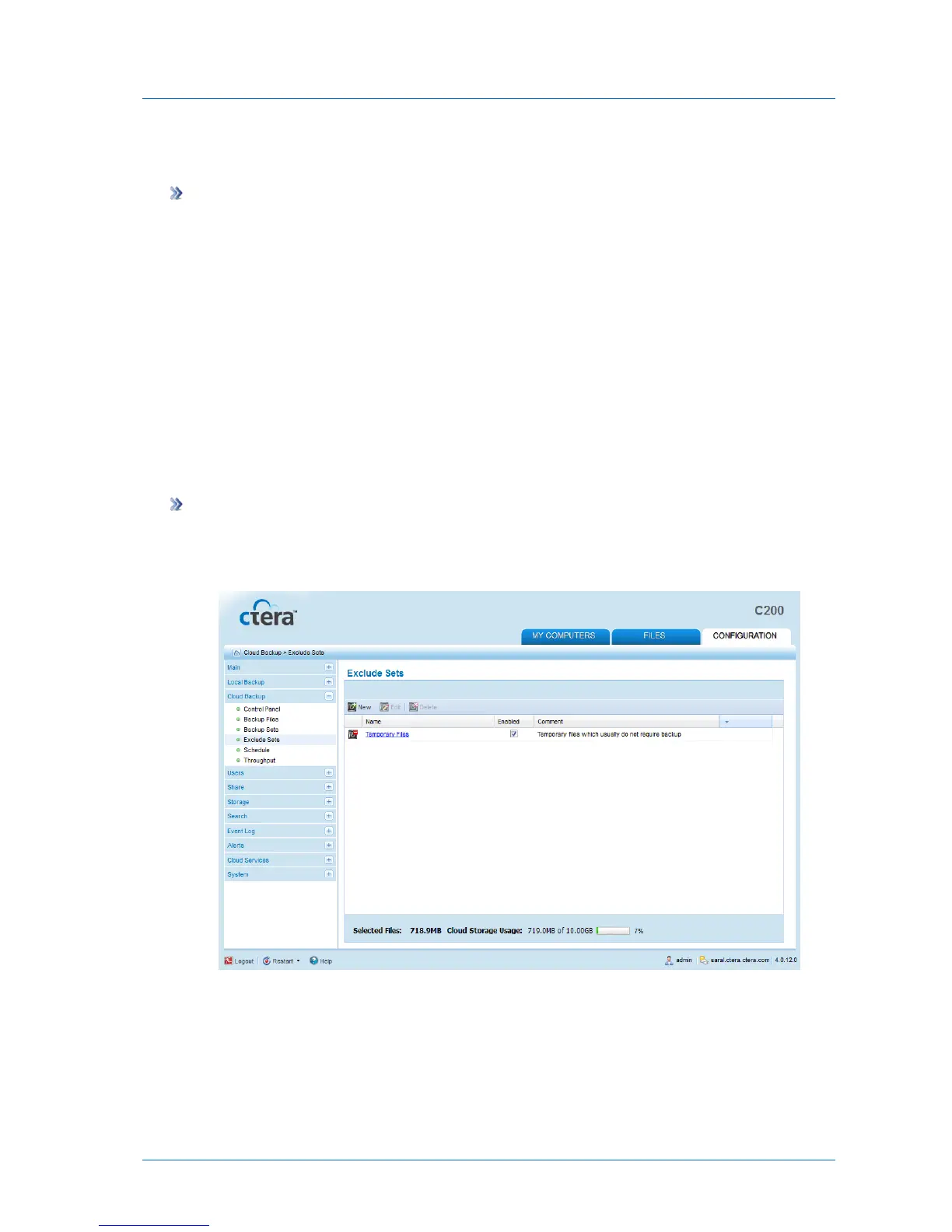
1 In the Configuration tab's navigation pane, click Cloud Backup > Exclude Sets.
The Cloud Backup > Exclude Sets page appears.
2 Next to the desired excluded set, in the Enabled column, select the check box.
The excluded set is enabled.



 To Next Page