Viewing the Appliance Details
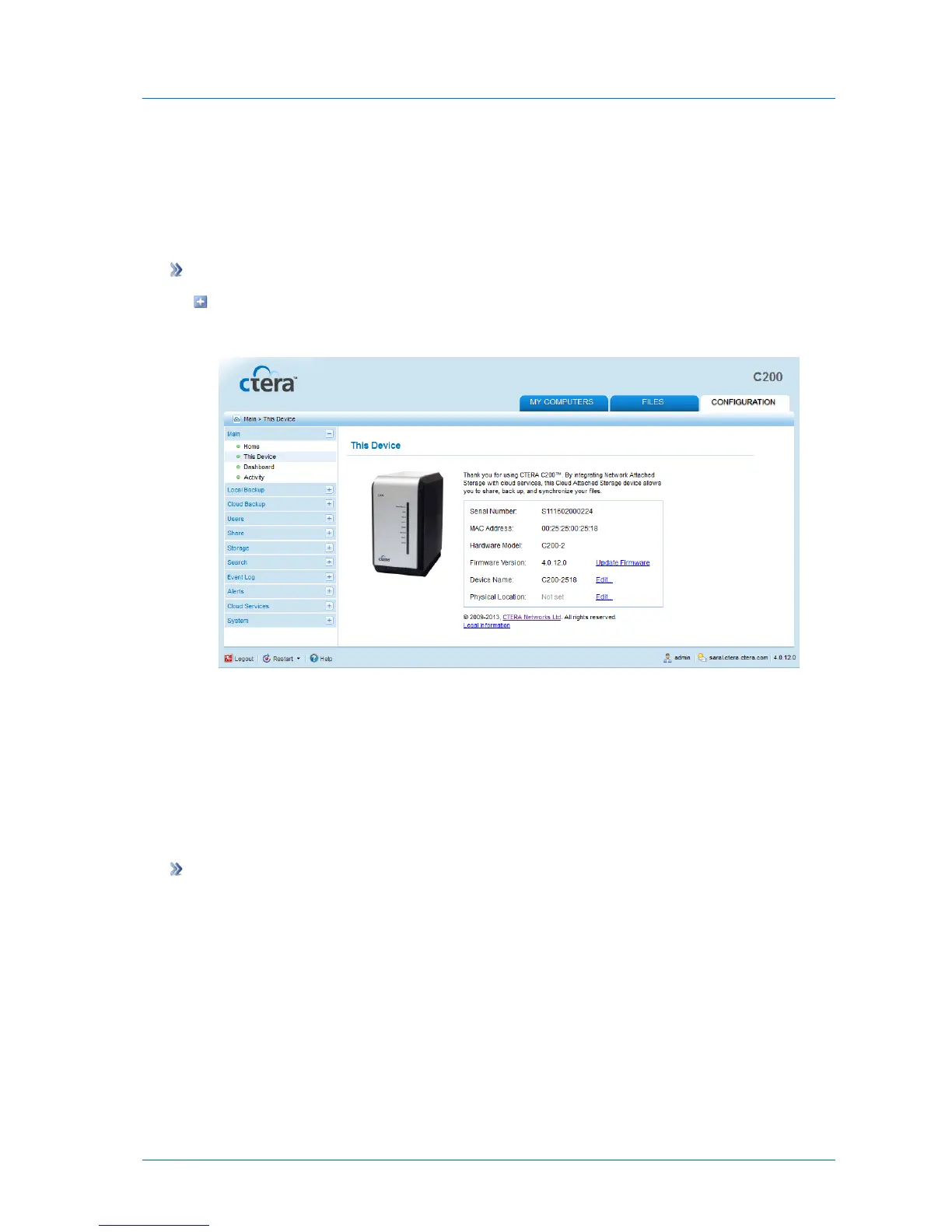
You can view general information about the appliance, including serial number, appliance
model, and installed firmware version.
To view the appliance details
In the Configuration tab's navigation pane, click Main > This Device.
The Main > This Device page appears, displaying the product information.
Configuring the CTERA Appliance Name and Location
You can configure the appliance's details, including its name and location.
The appliance name is used as a unique identifier of this appliance on your network. This
name must be different than any other appliance or PC on your network. The location field
enables you to document your appliance’s physical location, and is optional.
To configure the appliance name and location
1 In the Configuration tab's navigation pane, click Main > This Device.
The Main > This Device page appears, displaying the product information.
2 To configure the appliance name, do the following:
a Next to the Device Name field, click Edit.



 To Next Page