17 Monitoring Your CTERA Appliance
300 CTERA C-Series User Guide
Viewing System Logs
To view System logs
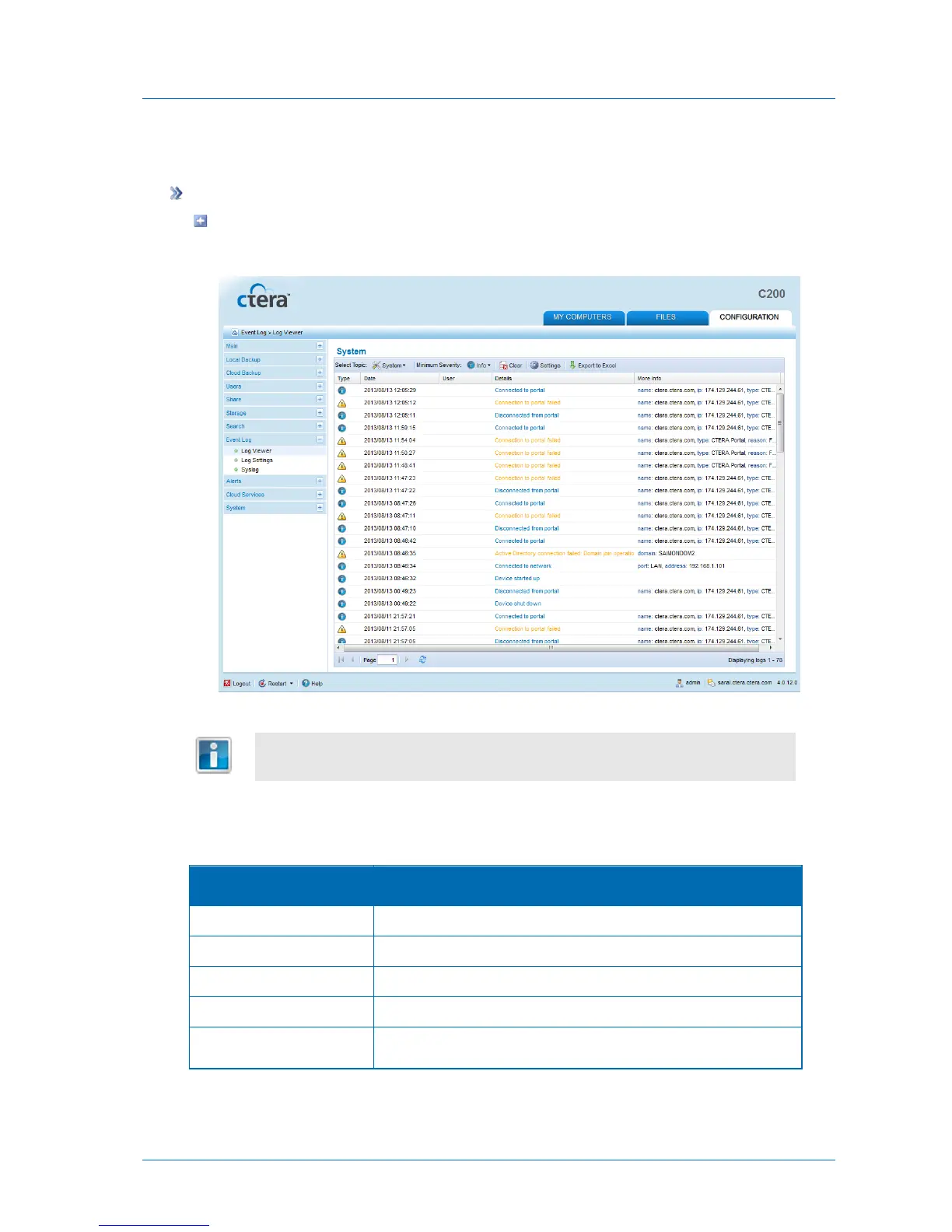
In the Configuration tab's navigation pane, click Event Log > Log Viewer.
The Event Log > Log Viewer page appears displaying the system logs.
If the Log Viewer is already open and a different log category is displayed, in the
Select Topic drop-down list, select System.
The following information is displayed:
Table 64: System Log Fields
An icon indicating the log level. See Log Levels (page 301).
The date and time at which the event occurred.
The user who triggered the event.
A description of the event.
Additional information about the event.



 To Next Page