The folder's icon changes to .
To remove Clientless Backup for all the shares in a computer:
1 Select the desired computer, and click Remove Sync.
A confirmation message appears.
2 Click Yes.
Configuring Clientless Backup
You can configure Clientless Backup to specify how often backup should occur, and where the
resulting files will be stored.
To configure Clientless Backup
1 In the Configuration tab's navigation pane, click Local Backup > Clientless Backup.
The Local Backup > Clientless Backup page appears, displaying all computers in the
network neighborhood.
2 Click Configuration.
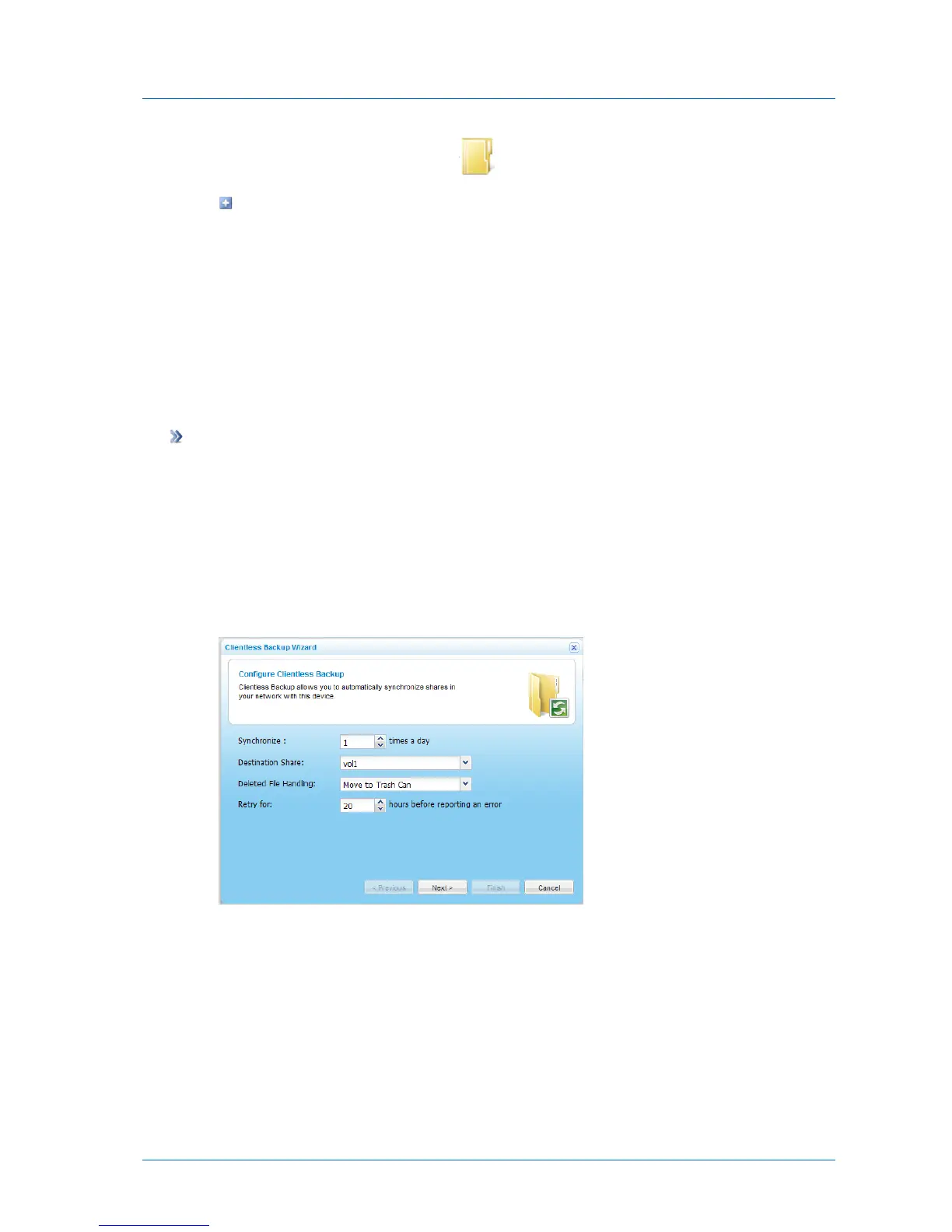
The Clientless Backup Wizard opens, displaying the Configure Clientless Backup dialog
box.
3 Complete the fields using the information in the following table.
4 Click Next.



 To Next Page