Select this option to enable storing Apple Time Machine backup files
on the appliance.
The Time Machine Share field is enabled.
Configuring NFS Access
When Network File System (NFS) access is enabled, clients with certain IP addresses can
access network shares on the appliance, as if the shares were located on the client's hard
drive. For information, see Mounting Network Shares Using NFS (on page 148).
To configure NFS access
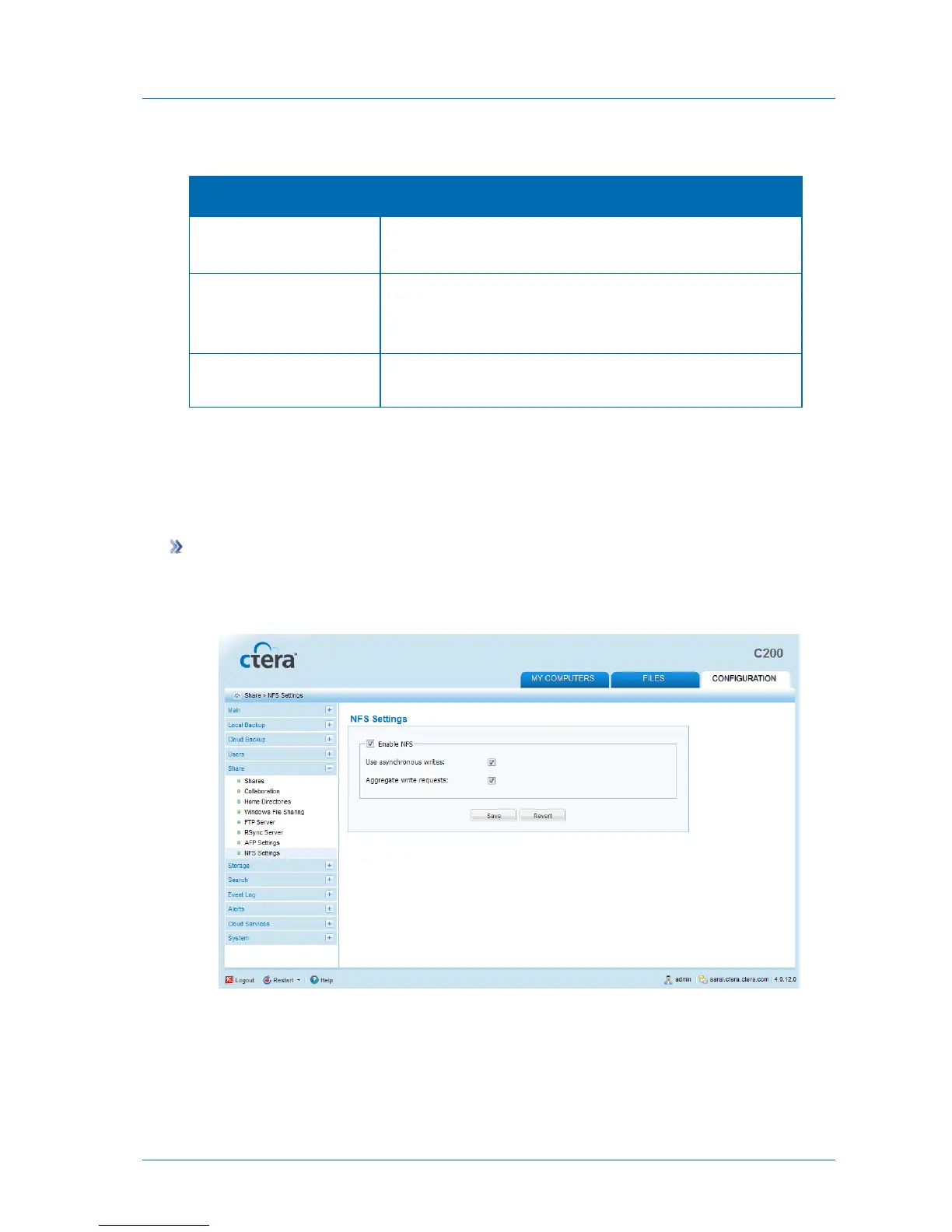
1 In the Configuration tab's navigation pane, click Share > NFS Settings.
The Share > NFS Settings page appears.
2 Complete the fields using the following table.
3 Click Save.



 To Next Page