132 CTERA C-Series User Guide
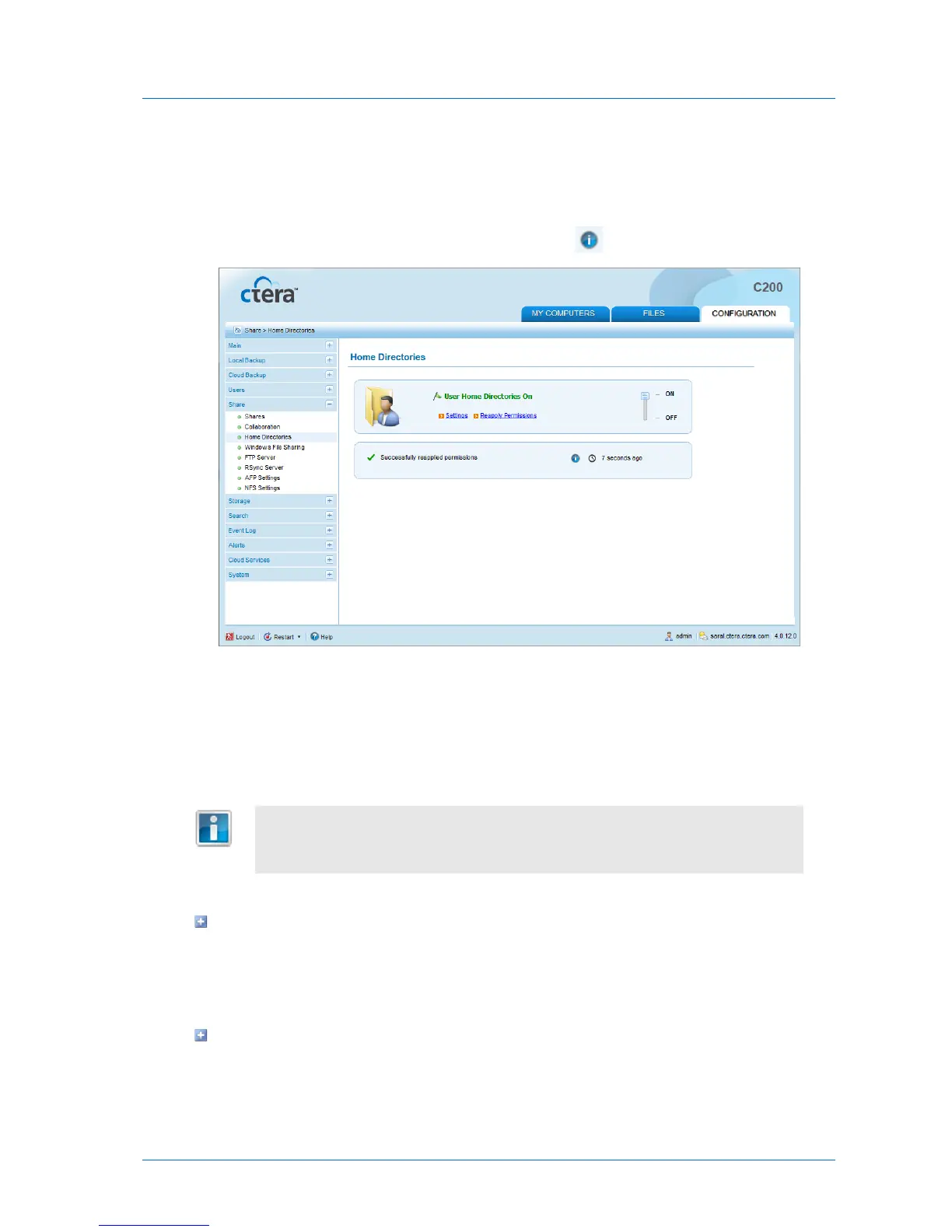
3 Click Yes.
Home directory permissions are reset.
For information on the results of the process, including the number of home directories
processed and the number of errors, mouse-over the icon.
Using Guest Invitations
You can share files and folders stored on the appliance with other people, both inside and
outside your network, by sending them a guest invitation for the desired files/folders.
In order for people outside your network to access your invitations, the remote
access service must be enabled. See Enabling/Disabling Remote Access (on page
56).
The guest invitation includes one or more of the following:
An HTTP URL
The URL contains a special code, which when clicked allows the invitee to view or edit the
files/folders from anywhere, using a Web-based file manager. This method is ideal for
collaborating with users over the Internet, as well as users in your local network.
A Windows File Sharing path



 To Next Page