Configuring Apple File Sharing
When Apple File Sharing is enabled, users with Mac OS X and Mac OS-based clients can
access network shares on the appliance, using the Apple Filing Protocol (AFP). For
information, see Viewing Network Shares Using Mac OS-X Finder (on page 147).
Furthermore, enabling Apple File Sharing allows the appliance to act as a repository for Apple
Time Machine backup files.
To configure Apple File Sharing
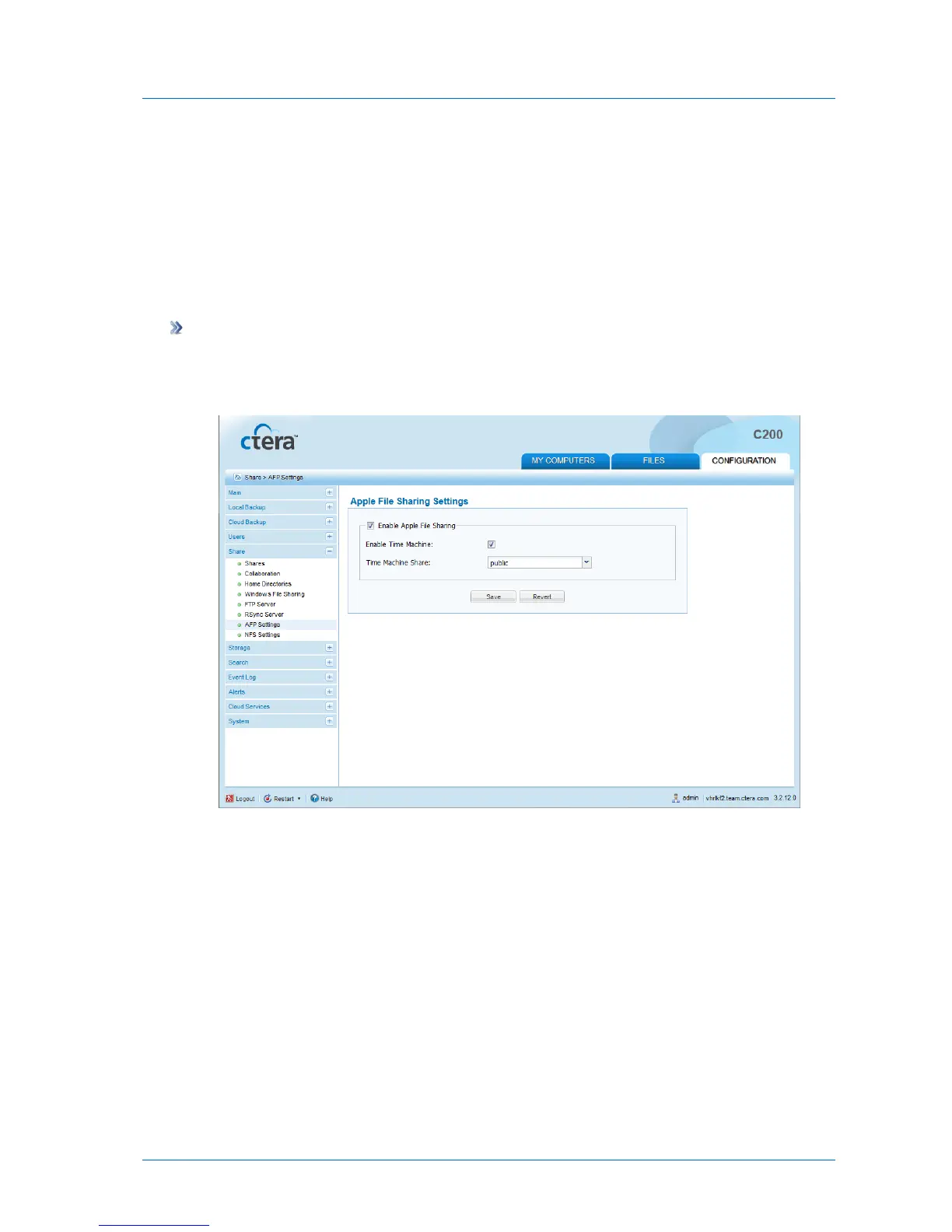
1 In the Configuration tab's navigation pane, click Share > AFP Settings.
The Share > AFP Settings page appears.
2 Complete the fields using the following table.
3 Click Save.



 To Next Page