You can change your user name and password at any time, as described in Adding
and Editing Users (on page 252).
4 In the Email field, type the email address of the appliance administrator.
5 Click Save.
The Setup Wizard opens. Continue at Setting Up the CTERA CloudPlug.
Logging in to the Web Interface
To log in to the Web interface
1 Connect to the appliance Web interface as described in Connecting to the Web Interface
(on page 35).
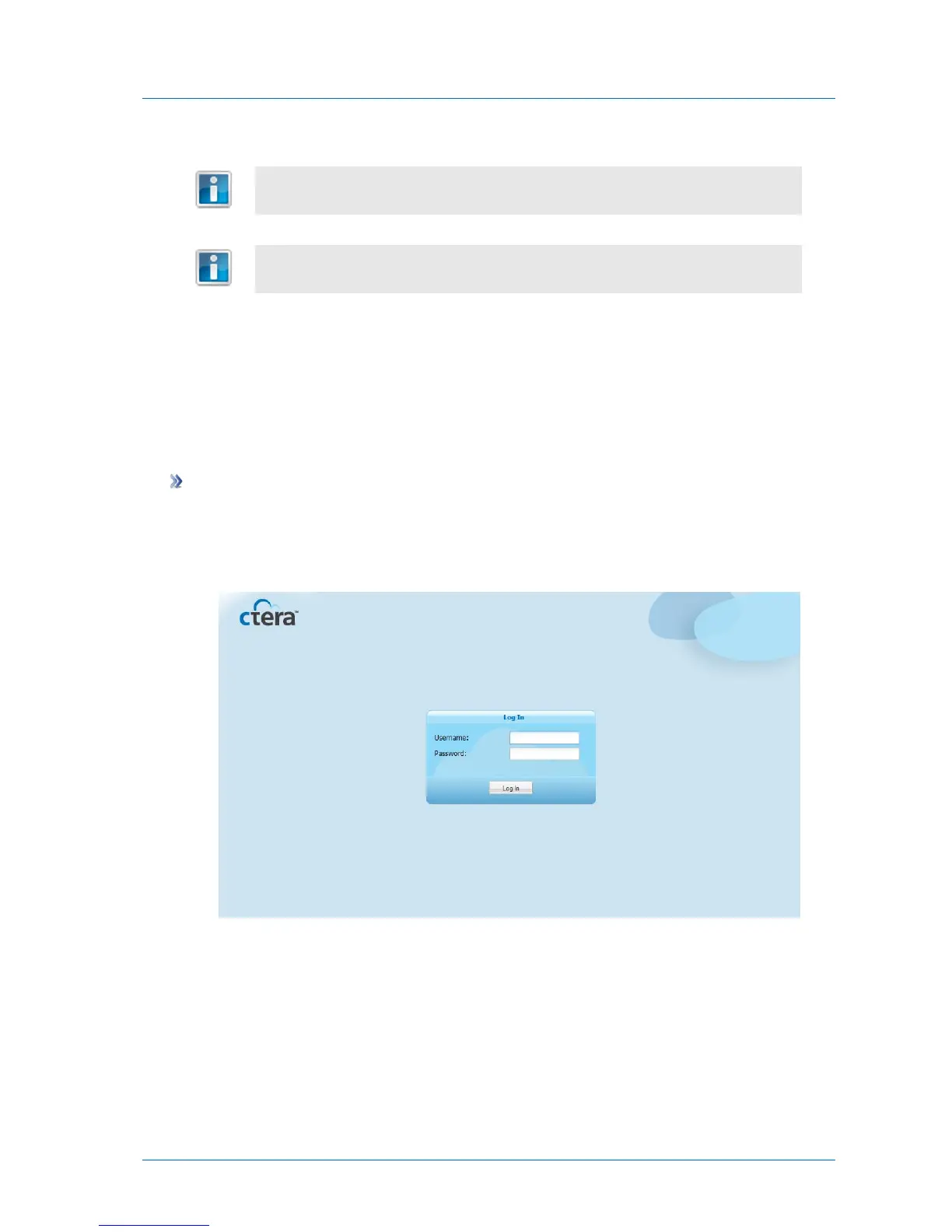
Your Web browser displays the Log In page.
2 In the fields provided, type your user name and password.
3 Click Log In.



 To Next Page