Copying Files to a Network Share Using Windows File Sharing
To copy files to a network share using Windows File Sharing
1 View the network share containing the desired file or folder.
See Viewing Network Shares Using Windows File Sharing (on page 146).
2 Open the relevant network share and folder.
3 Copy the desired files to the folder.
Managing Network Shares in the File Manager
Adding and Editing Network Shares
To add or edit a network share
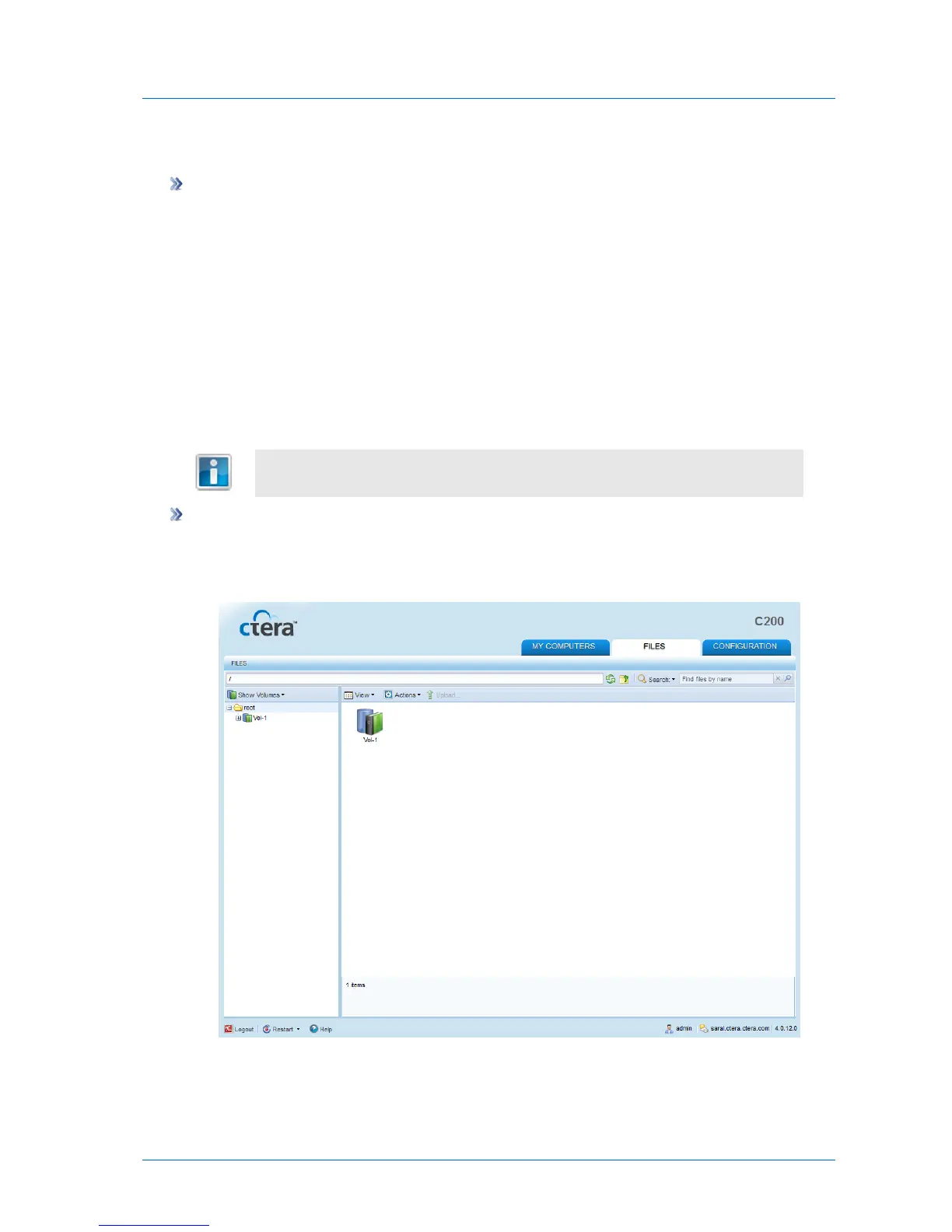
1 In the File Manager, change to the Volumes view.
See Changing the Tree Pane View (on page 278).
2 Navigate to the desired folder.
See Navigating Between Folders (on page 278).



 To Next Page