3 In the right pane, select the desired folder.
4 Click Actions, and then click Share.
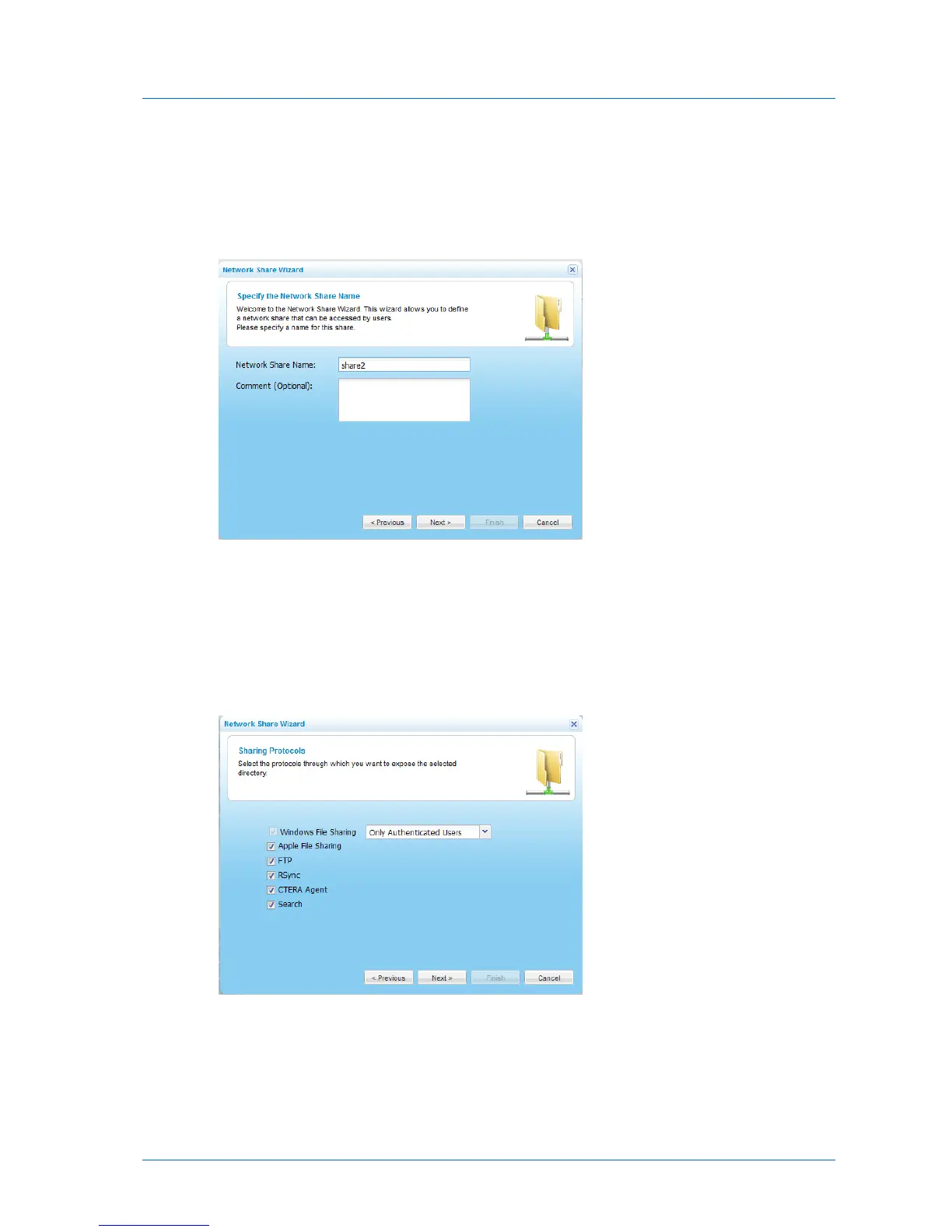
The Network Share Wizard opens, displaying the Specify the Network Share Name dialog
box.
5 In the Network Share Name field, type a name for the share.
By default, the folder's name is filled in.
6 (Optional) In the Comment field, type a description of the network share.
7 Click Next.
The Sharing Protocols dialog box appears.
8 Select the protocols through which you want to expose the network share.
Windows File Sharing is selected by default and cannot be unselected.
9 To enable full text search for the share, select Full Text Search.



 To Next Page