See Shutting Down the CTERA Appliance (on page 333).
2 Connect to the appliance's COM port using a serial cable, and follow the displayed
instructions.
For information on locating the C400's COM port, see Rear Panel (on page 16).
For information on locating the C800's COM port, see Rear Panel (on page 26).
The terminal program must be set to operate using the following specifications:
115200-N-8-1.
3 Switch on the appliance. While the appliance is starting up, the message “Press ESC to
enter the menu” will be displayed in the terminal for three seconds. During the three
seconds, press the ESC key.
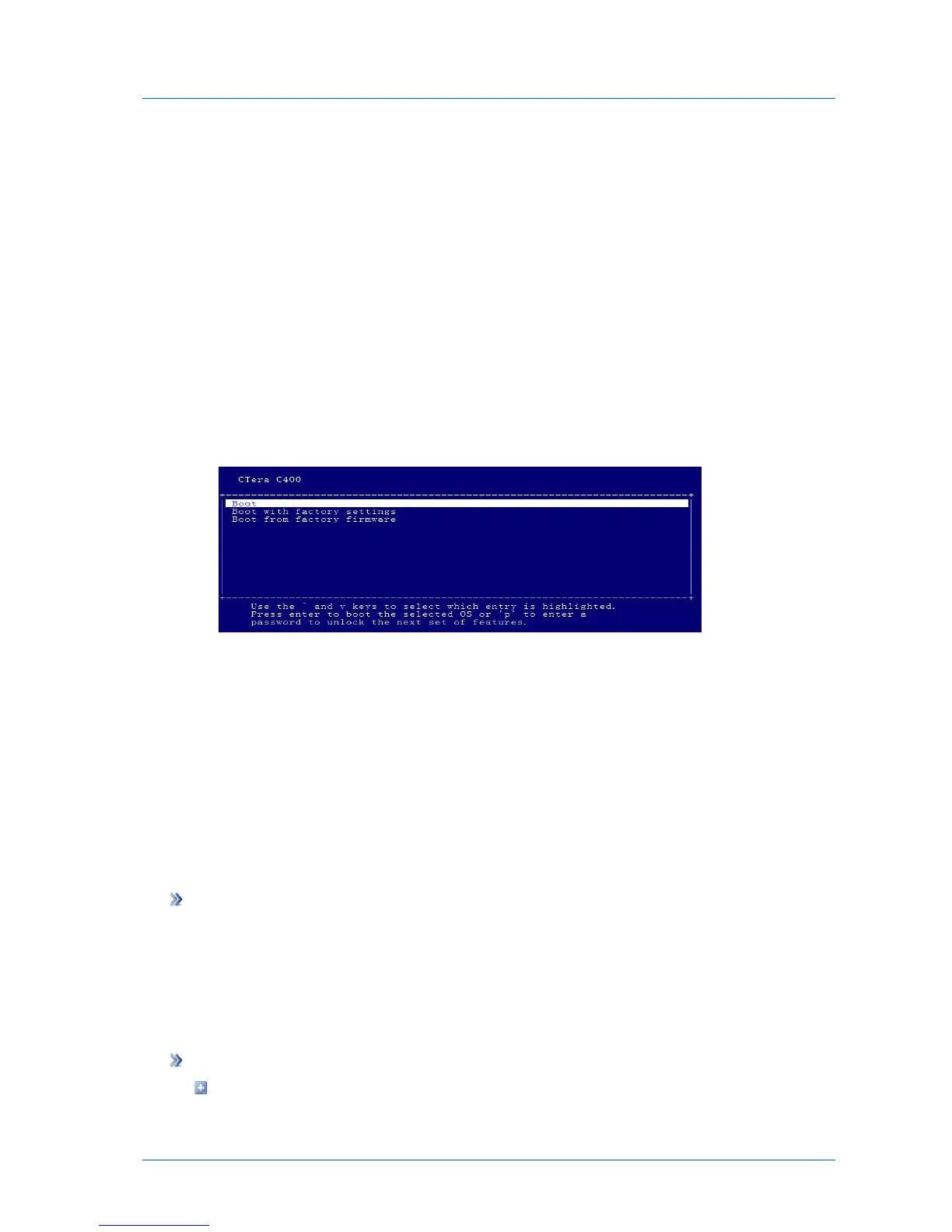
The following menu appears:
4 Select Boot with factory settings.
The appliance boots with the default settings.
Restarting the CTERA Appliance
If you are experiencing problems with your appliance, you can restart it. This may solve the
problem.
The appliance can be restarted via the appliance Web interface or using the Reset button on
its rear panel.
To restart the appliance via the Web interface
1 In the status bar, in the Shutdown pop-up list, click Restart.
A confirmation message appears.
2 Click Yes.
The appliance restarts.
To perform a hard restart
While the appliance is on, do one of the following:



 To Next Page