In This Chapter
Configuring Network Settings --------------------------------------------------------------------------------- 263
Configuring Port Settings --------------------------------------------------------------------------------------- 266
Viewing Network and Port Settings -------------------------------------------------------------------------- 267
Renewing the DHCP Lease -------------------------------------------------------------------------------------- 268
Enabling/Disabling Link Aggregation ------------------------------------------------------------------------- 268
Configuring Network Settings
By default, the appliance is configured to automatically obtain an IP address, as well as the
DNS servers to use, from a DHCP server. If your network uses static IP addresses instead of
DHCP, you must configure the appliance with the necessary settings.
To configure network settings
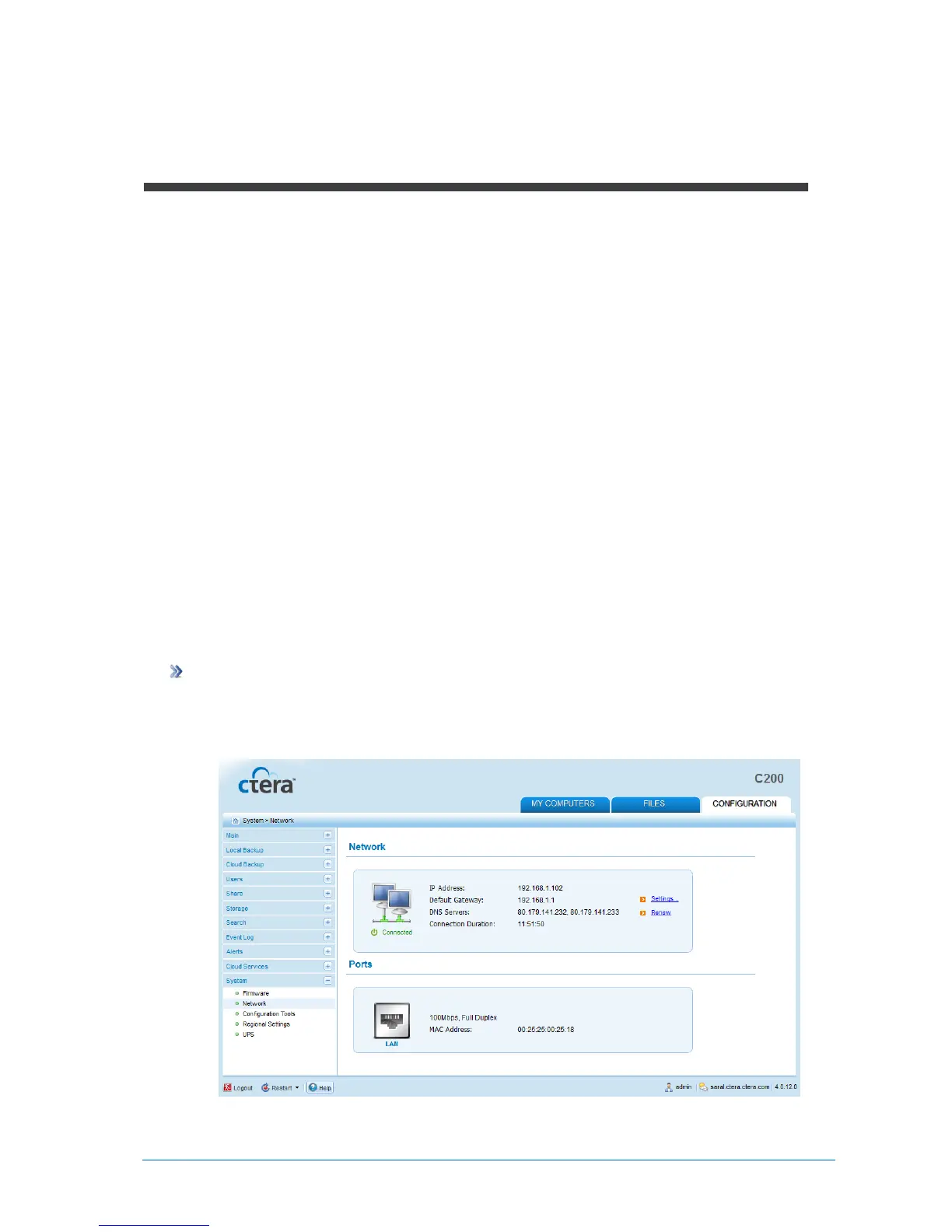
1 In the Configuration tab's navigation pane, click System > Network.
The System > Network page appears.



 To Next Page