Monitoring Your CTERA Appliance 17
CTERA C-Series User Guide 307
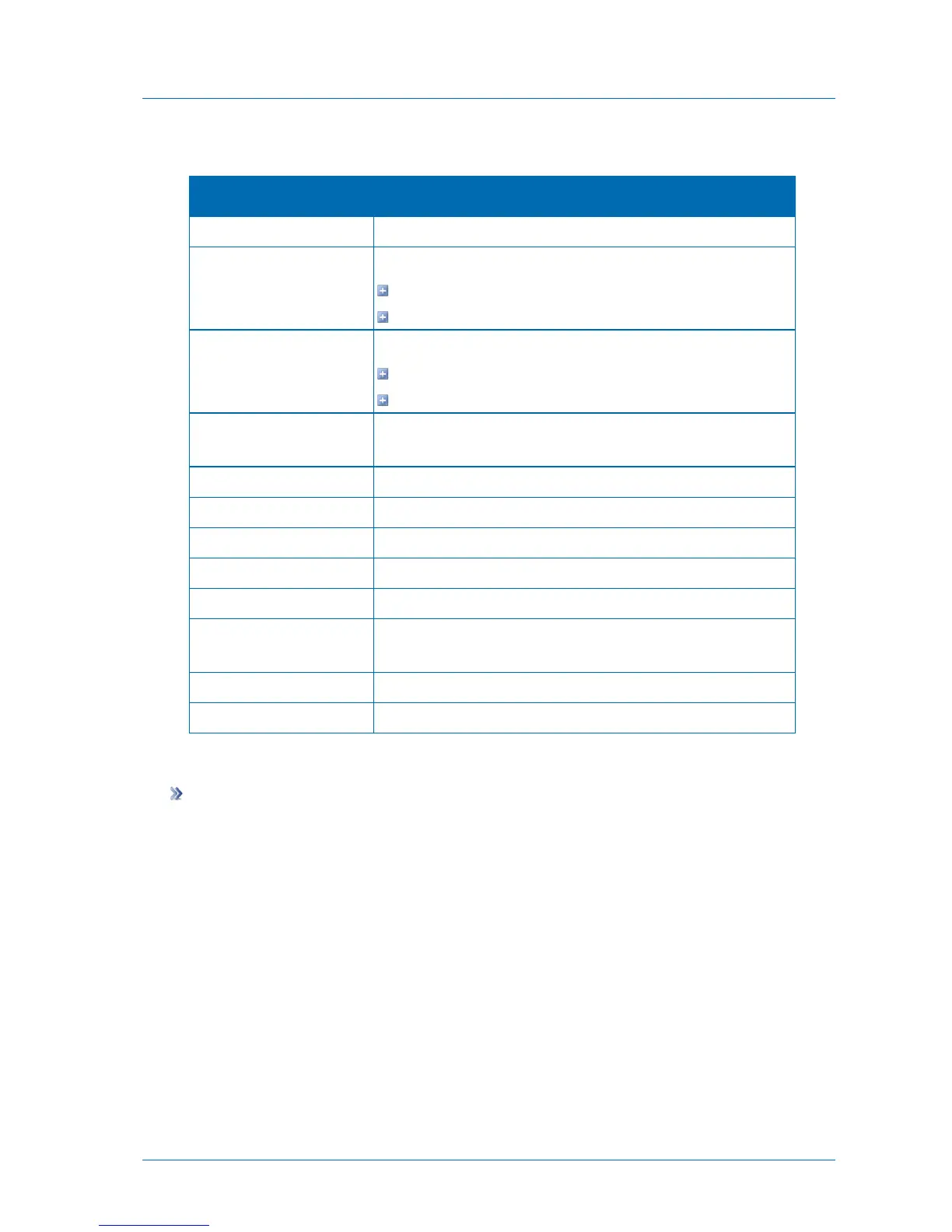
Table 70: Cloud Sync Log Fields
An icon indicating the log level. See Log Levels (page 301).
The synchronization operation performed:
New. A new file or directory was created.
Updated. A file or directory was updated.
The synchronization operation's direction:
In. From the cloud drive to the local drive.
Out. From the local drive to the cloud drive.
The name of the file transferred during the synchronization
operation.
The path to the file transferred during the synchronization operation.
The date and time at which the synchronization operation started.
The amount of time the synchronization operation took.
The size of the synchronized file.
The actual amount of data transferred.
The deduplication ratio for the file transferred during the
synchronization operation.
The result of the synchronization operation.
Additional information about the event.
Viewing Access Logs
To view Access logs
1 In the Configuration tab's navigation pane, click Event Log > Log Viewer.
The Event Log > Log Viewer page appears.
2 In the Select Topic drop-down list, select Access.



 To Next Page