Configuring RSync Access
The appliance can act as an RSync Server, allowing users to efficiently synchronize files and
folders on their RSync clients or CTERA appliances with the appliance. For information, see
Synchronizing Files with the appliance RSync Server (see "Synchronizing Files with the RSync
Server" on page 147).
To configure RSync access to the appliance
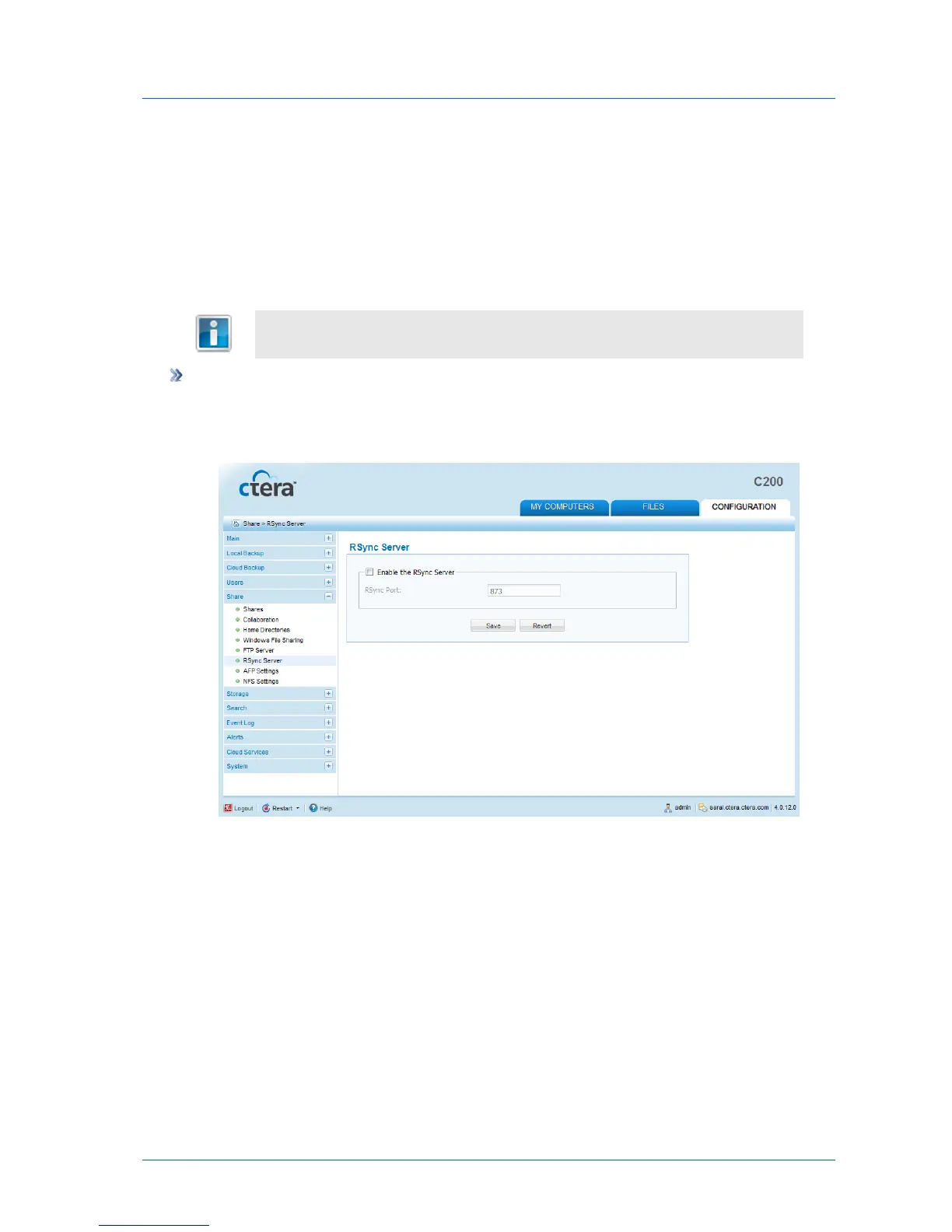
1 In the Configuration tab's navigation pane, click Share > RSync Server.
The Share > RSync Server page appears.
2 To enable the RSync Server, select the Enable the RSync Server check box.
3 In the RSync Port field, type the port to use for RSync connections.
The default value is 873.
4 Click Save.



 To Next Page