The appliance automatically reboots.
Exporting and Importing CTERA Appliance Settings
You can manually export the appliance configuration to an *.xml file on your computer, and
use this file to restore the appliance settings as needed.
In addition, the appliance automatically backs up its configuration to the CTERA Portal each
time cloud backup runs. The backed up settings can be downloaded from the CTERA Portal
and restored as needed. See Restoring Appliance Configuration from Cloud Backup (on page
183).
Exporting the Configuration
To export the appliance configuration
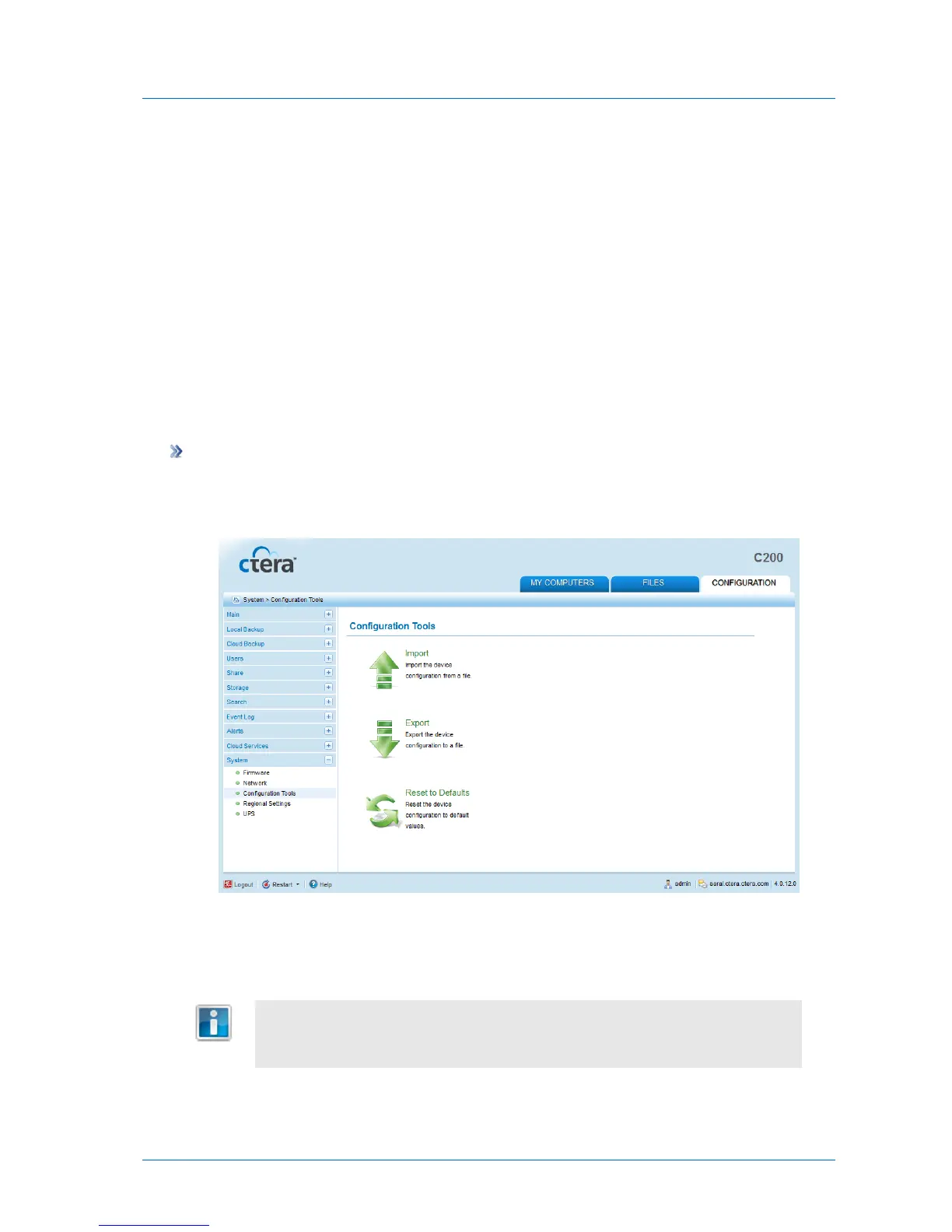
1 In the Configuration tab's navigation pane, click System > Configuration Tools.
The System > Configuration Tools page appears.
2 Click Export.
The appliance configuration are exported to an *.xml file on your computer.
For security reasons, all passwords are stored in a format that makes them
non-human-readable. Despite this, the export file information is sensitive, and it
is therefore recommended to keep it in a safe place.



 To Next Page