252 CTERA C-Series User Guide
Users and user groups are granted access rights to network shares during share
configuration. See Sharing Files (on page 99).
Users are added to user groups during user group configuration. See Adding and
Editing User Groups (on page 258).
Users that are not members of the Administrators or Read Only Administrators
user groups will not be able to view the Configuration tab.
Adding and Editing Users
To add or edit a user
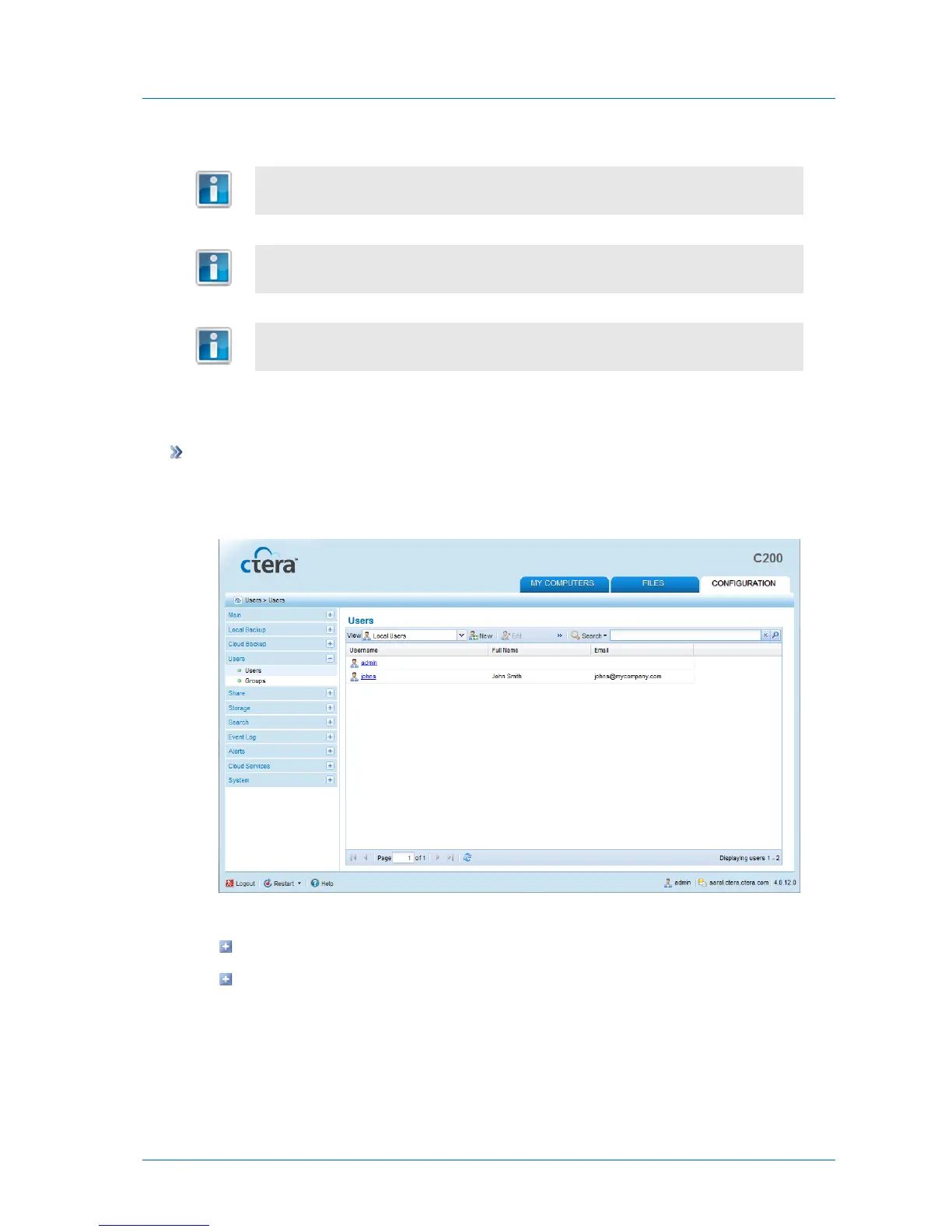
1 In the Configuration tab's navigation pane, click Users > Users.
The Users > Users page appears.
2 Do one of the following:
To add a new user, click New.
To edit an existing user, click on its name.



 To Next Page