The appliance is added to your browser's list of search providers.
Viewing Previous Versions of Files and Folders
To view previous versions of files and folders
1 In the File Manager's Show Shares tree pane view, in the upper bar, click .
For information on changing the tree pane view, see Changing the Tree Pane View (on
page 278).
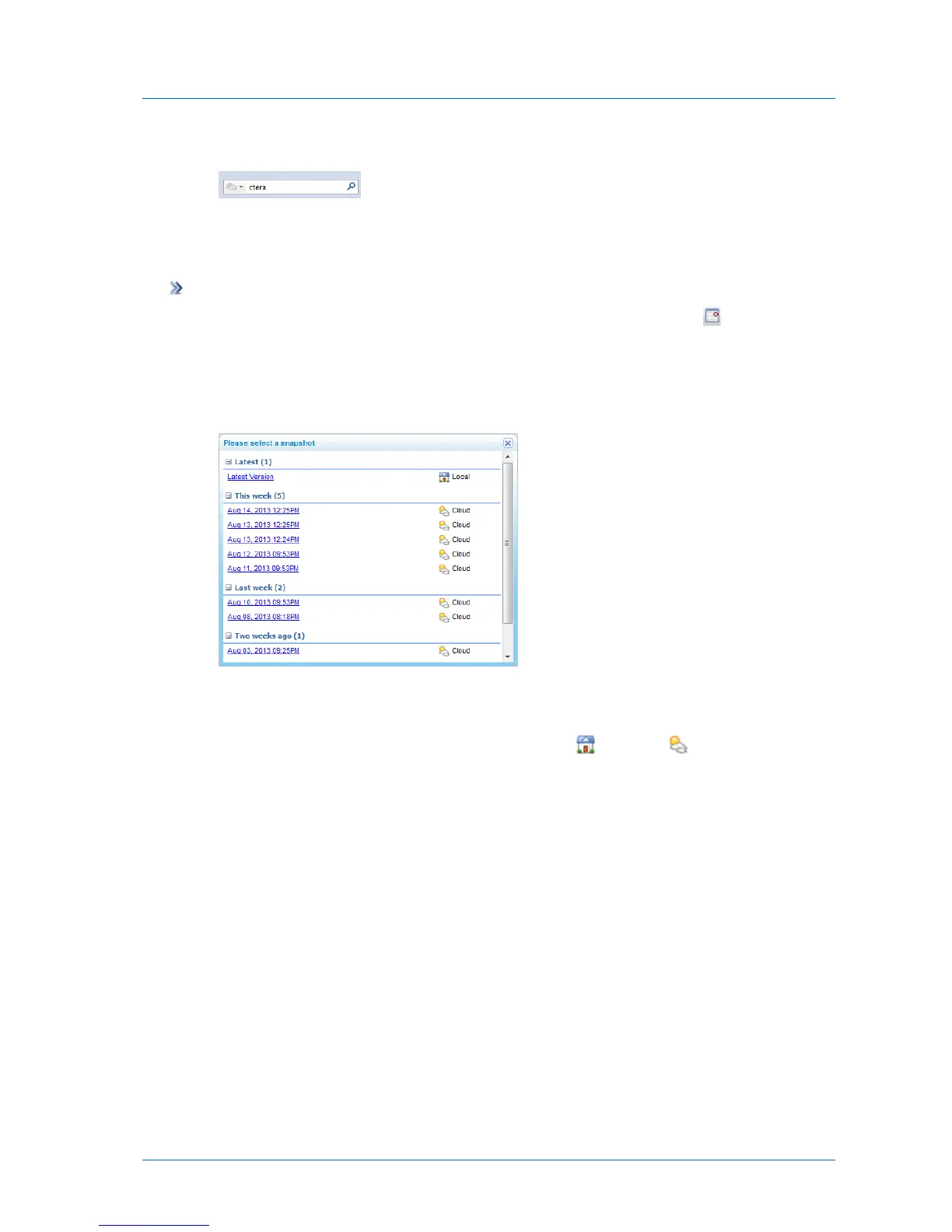
The Please select snapshot window opens.
2 Click on the snapshot containing the file/folder versions you want to view.
Latest Version contains the current version of files and folder in cloud backup. The
snapshots are marked according to their type: NEXT3 ( ) or cloud ( ).
The snapshot contents appear, and you can view and download them. You can also copy
and paste them to the Latest Version.



 To Next Page