6 Click Finish.
Using Home Directories
A home directory is a folder that contains files owned by a specific user. If desired, you can
configure the appliance to dedicate one share to the storage of home directories. The
appliance will automatically create a home directory for each user upon their first login.
Enabling/Disabling Home Directories
To enable home directories
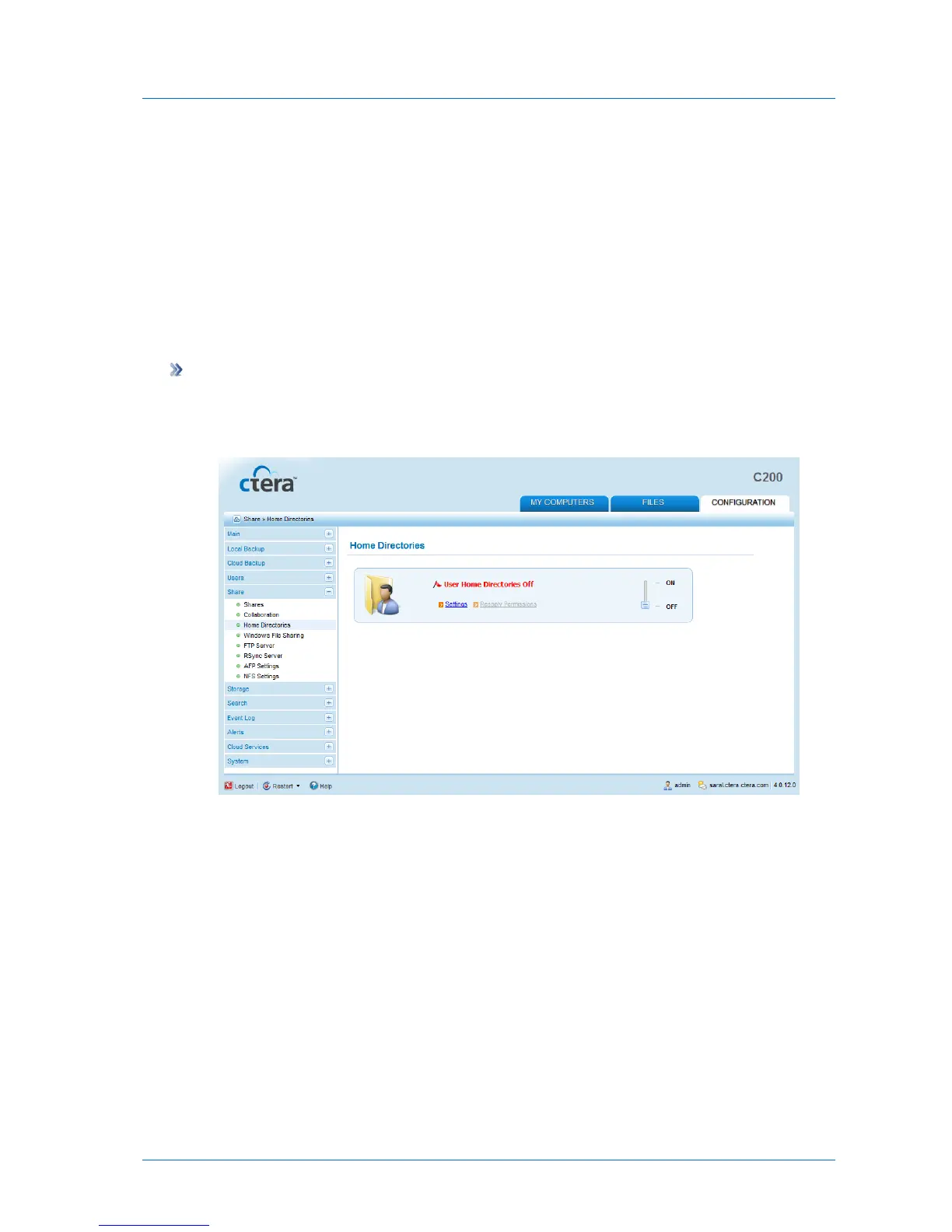
1 In the Configuration tab's navigation pane, click Share > Home Directories.
The Share > Home Directories page appears.
2 Slide the lever to the ON position.
Home directories are enabled, and you can now configure the desired settings. See
Configuring Home Directory Settings (on page 130).



 To Next Page