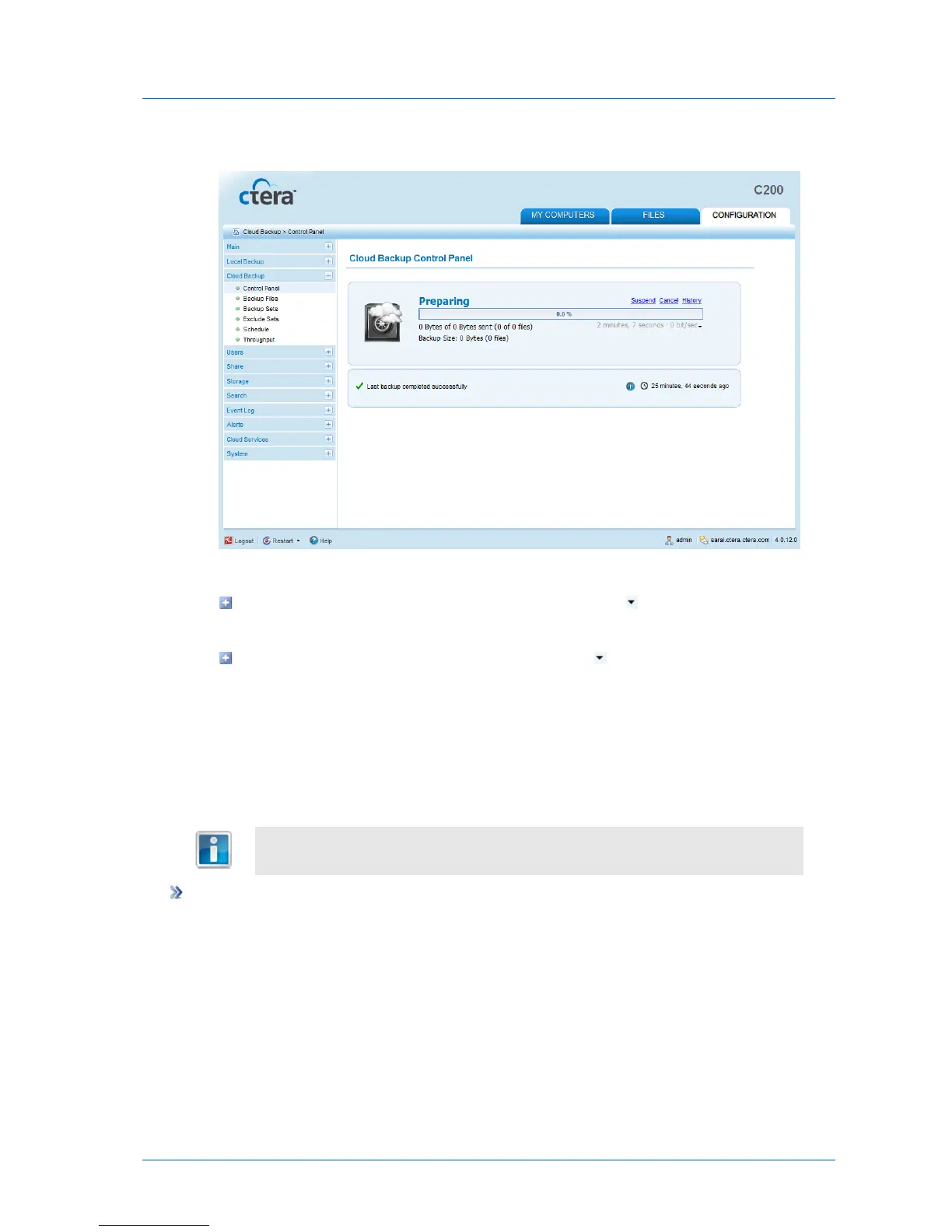
A progress bar appears, and the files are backed up to cloud storage.
3 To toggle the information displayed under the progress bar, do one of the following:
To display the effective throughput (in Kbit/sec), click the icon, and then click
Show effective throughput.
To display the bandwidth usage (in bit/sec), click the icon, and then click Show
bandwidth usage.
Canceling the Current Cloud Backup
You can cancel a running cloud backup.
To cancel the current cloud backup
1 In the Configuration tab's navigation pane, click Cloud Backup > Control Panel.
The Cloud Backup > Control Panel page appears.
2 Click Cancel.
The current backup is canceled.



 To Next Page