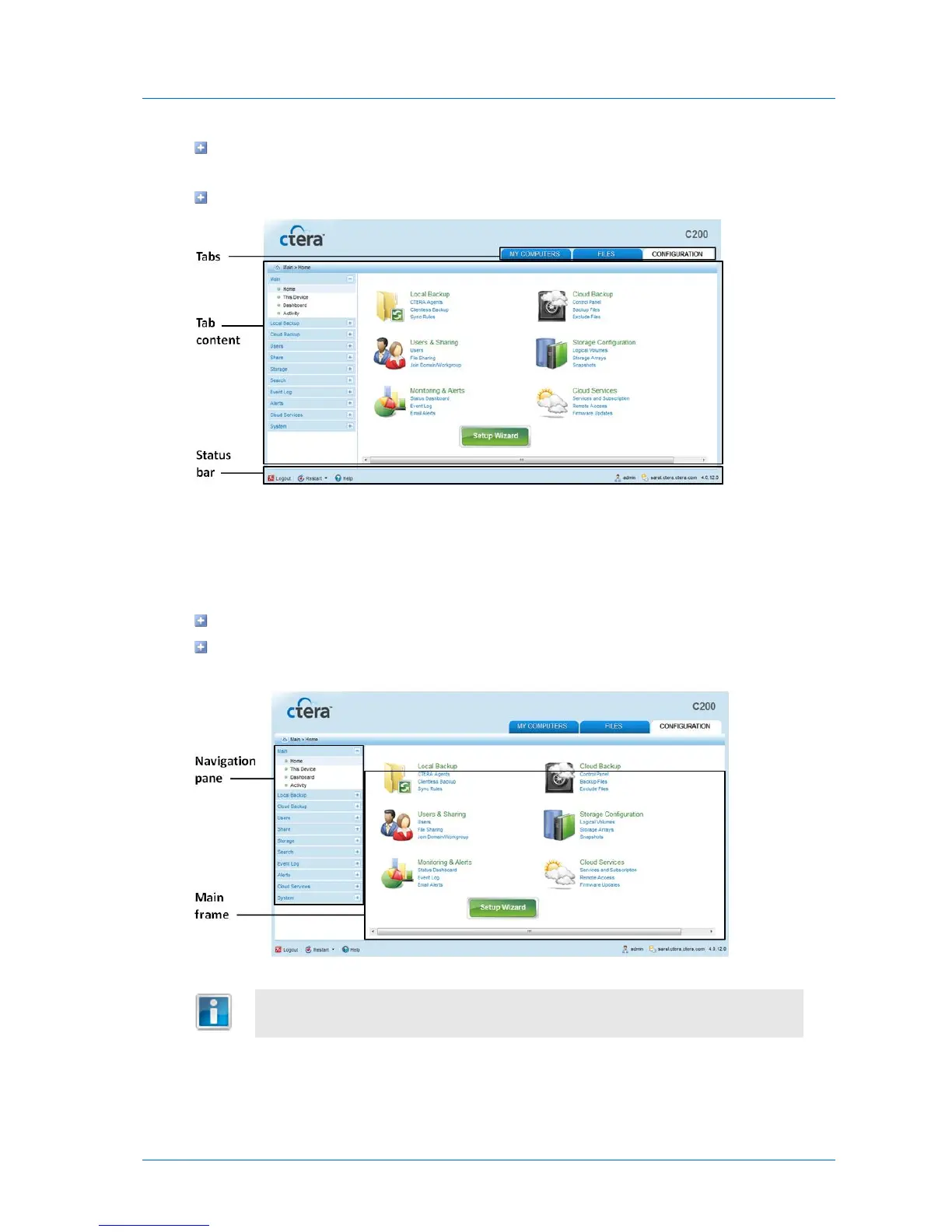
Tab content. The selected tab's content, including information and controls. Content
varies between tabs.
Status bar. Displays general and session-specific controls and information.
The Configuration Tab
The Configuration tab enables you to manage your appliance settings. It consists of the
following elements:
Navigation pane. Used for navigating between pages in the tab.
Main frame. Displays information and controls for the menu section selected in the
navigation pane.
The Configuration tab is only visible to users who are members of the
Administrators or Read Only Administrators user groups.



 To Next Page