Monitoring Your CTERA Appliance 17
CTERA C-Series User Guide 295
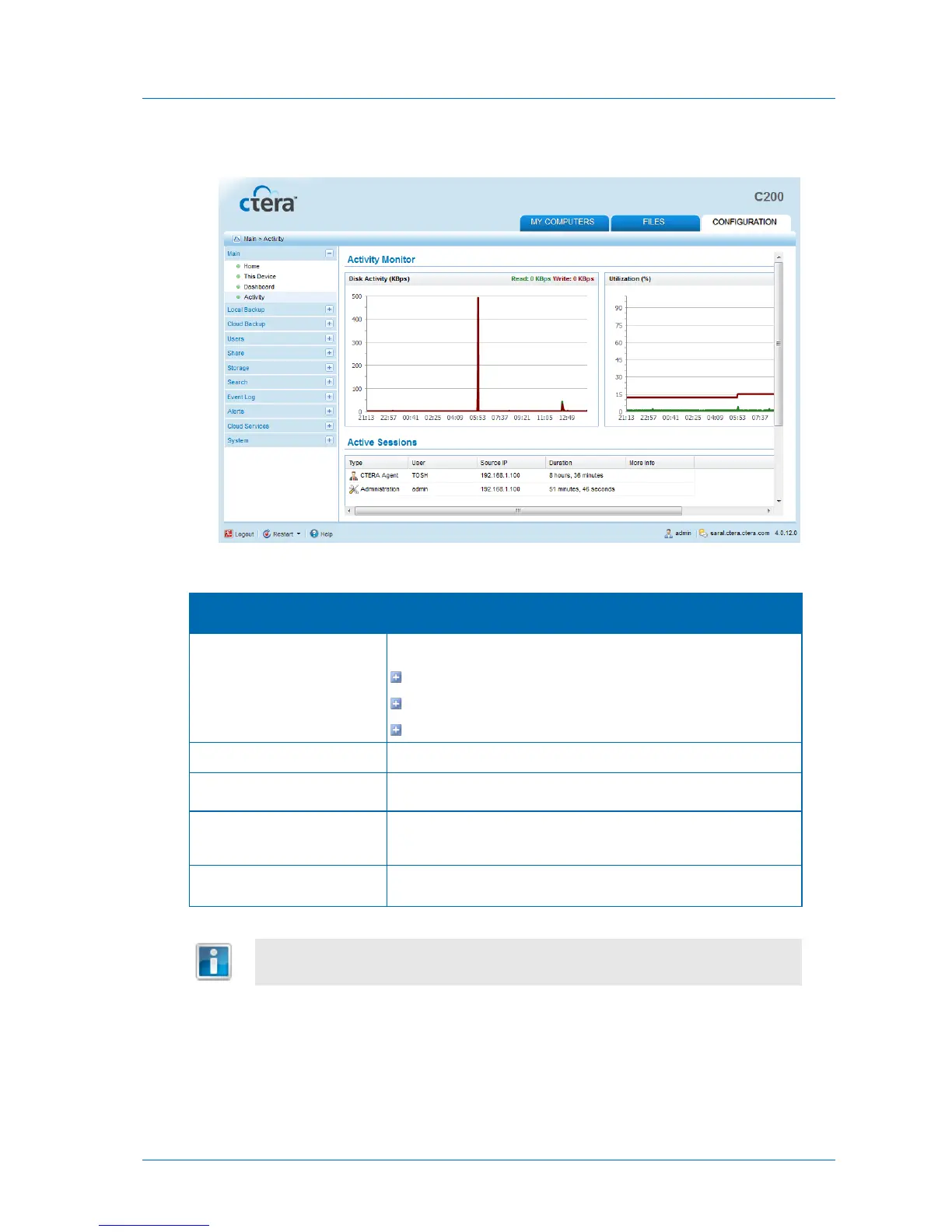
The Main > Activity page appears.
Table 60: User Session Information
The session type:
GUI
CIFS (Windows File Sharing)
CTERA Agent
The user connected to the appliance.
The IP address from which the user connected to the appliance.
The amount of time that the user has been connected to the
appliance.
Additional information about the session.
The data is automatically refreshed, every few seconds.
Configuring Logging
You can configure appliance Event Log settings, as well as Syslog settings.



 To Next Page