14 Managing Network Settings
266 CTERA C-Series User Guide
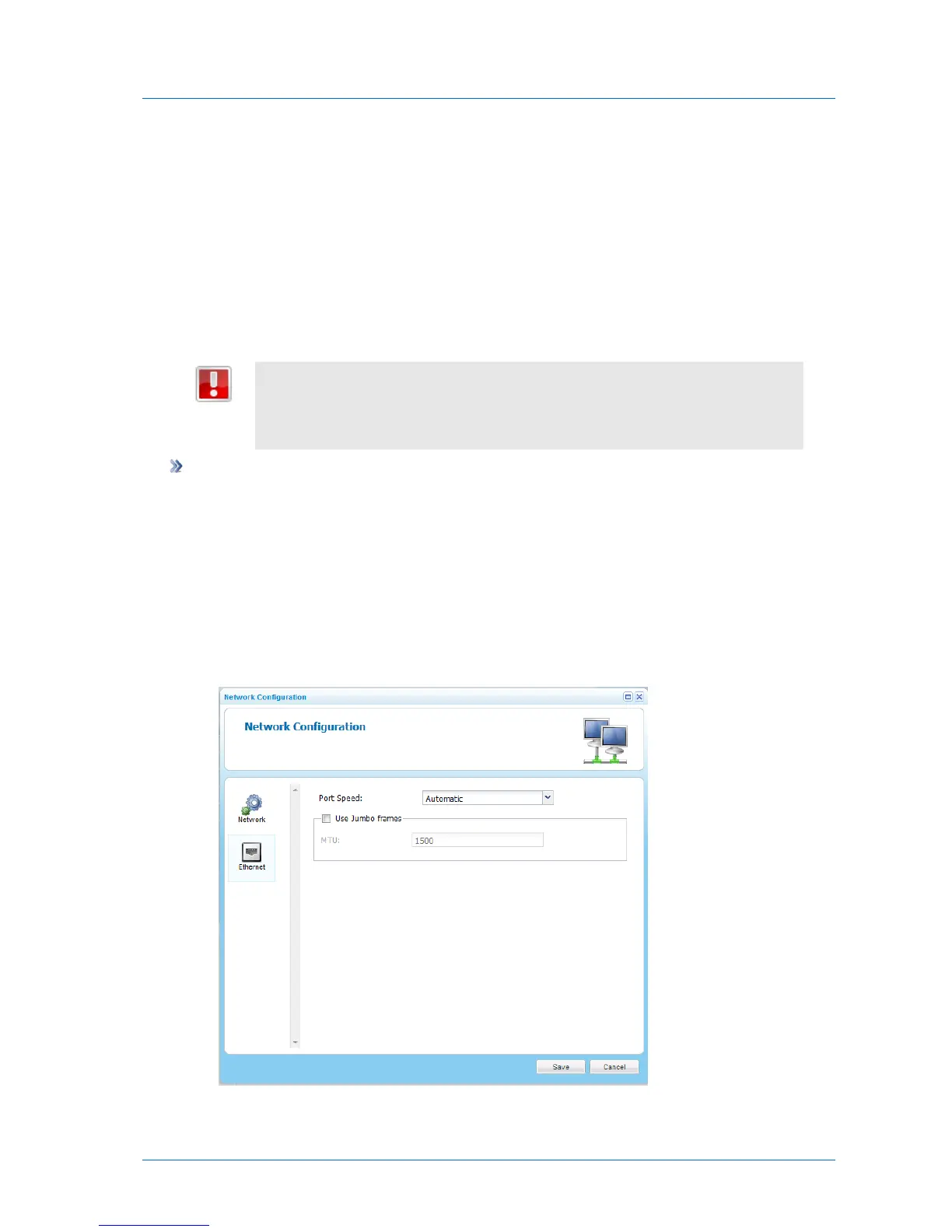
Configuring Port Settings
By default, the appliance automatically detects the Ethernet port's link speed and duplex. If
desired, you can manually restrict the Ethernet port to a specific link speed and duplex.
You can also configure appliance to use jumbo frames. While the standard Ethernet frame is
1500 bytes, jumbo frames are larger, with the conventional jumbo frame size being 9000
bytes.
If you enable jumbo frames, you must configure all computers in the appliance's
network segment to use the same Ethernet frame size (maximum transmission
unit, or MTU). If you do not set the computers to the same MTU, you may lose
connectivity to the appliance.
To configure port settings
1 In the Configuration tab's navigation pane, click System > Network.
The System > Network page appears.
2 Click Settings.
The Network Configuration Manager opens displaying the Network tab.
3 Click the Ethernet tab.
The Ethernet tab appears.
4 In the Port Speed drop-down list, do one of the following:



 To Next Page