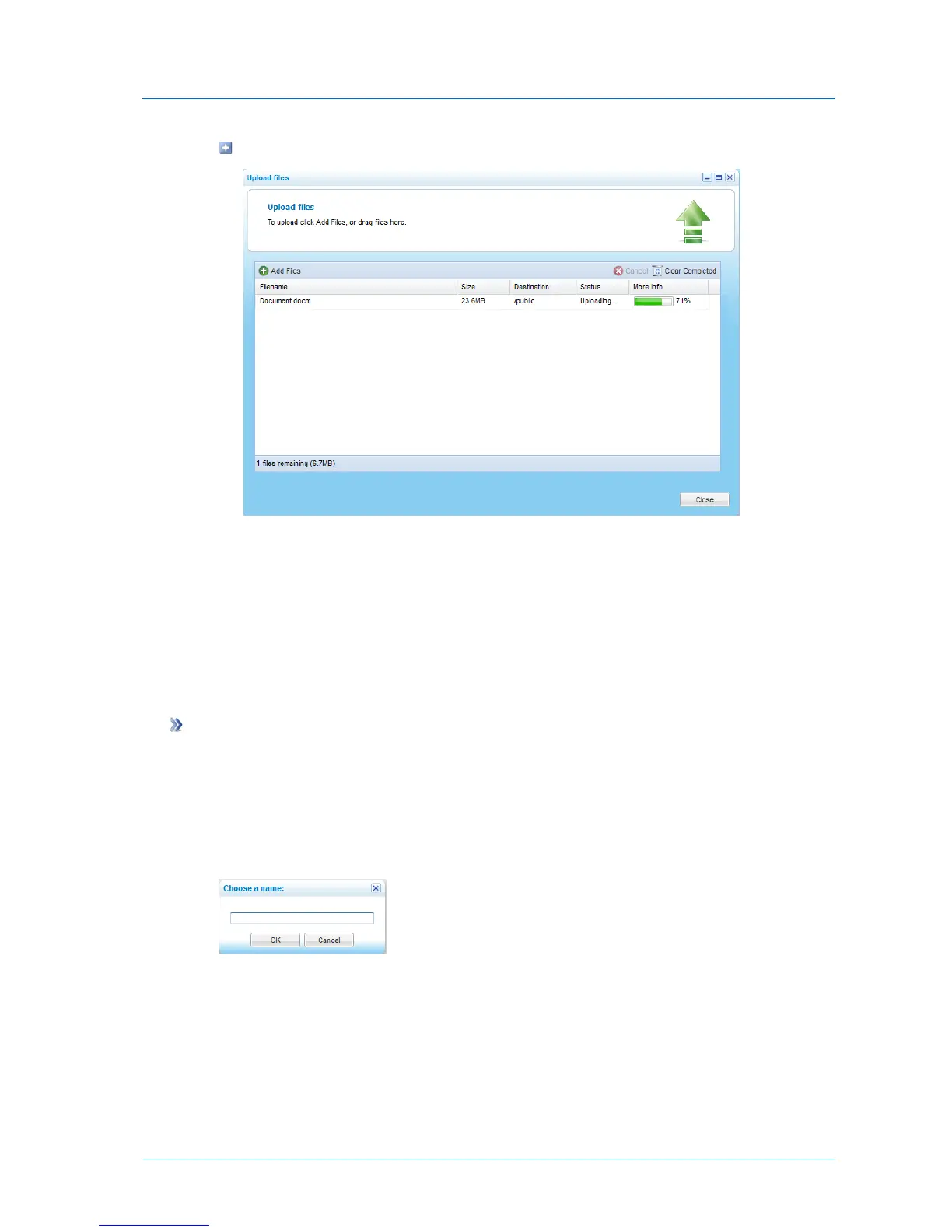
The file is uploaded, and a progress bar displays the upload progress.
4 To cancel an upload, select the file whose upload you want to cancel, and then click
Cancel.
5 To clear the list of completed uploads, click Clear Completed.
6 When done uploading all desired files, click Close.
Creating New Folders
To create a new folder
1 In the File Manager, navigate to the desired parent folder.
See Navigating Between Folders (on page 278).
2 Click Actions and then click New Folder.
The Choose a name dialog box appears.
3 In the field provided, type a name for the new folder.
4 Click OK.



 To Next Page