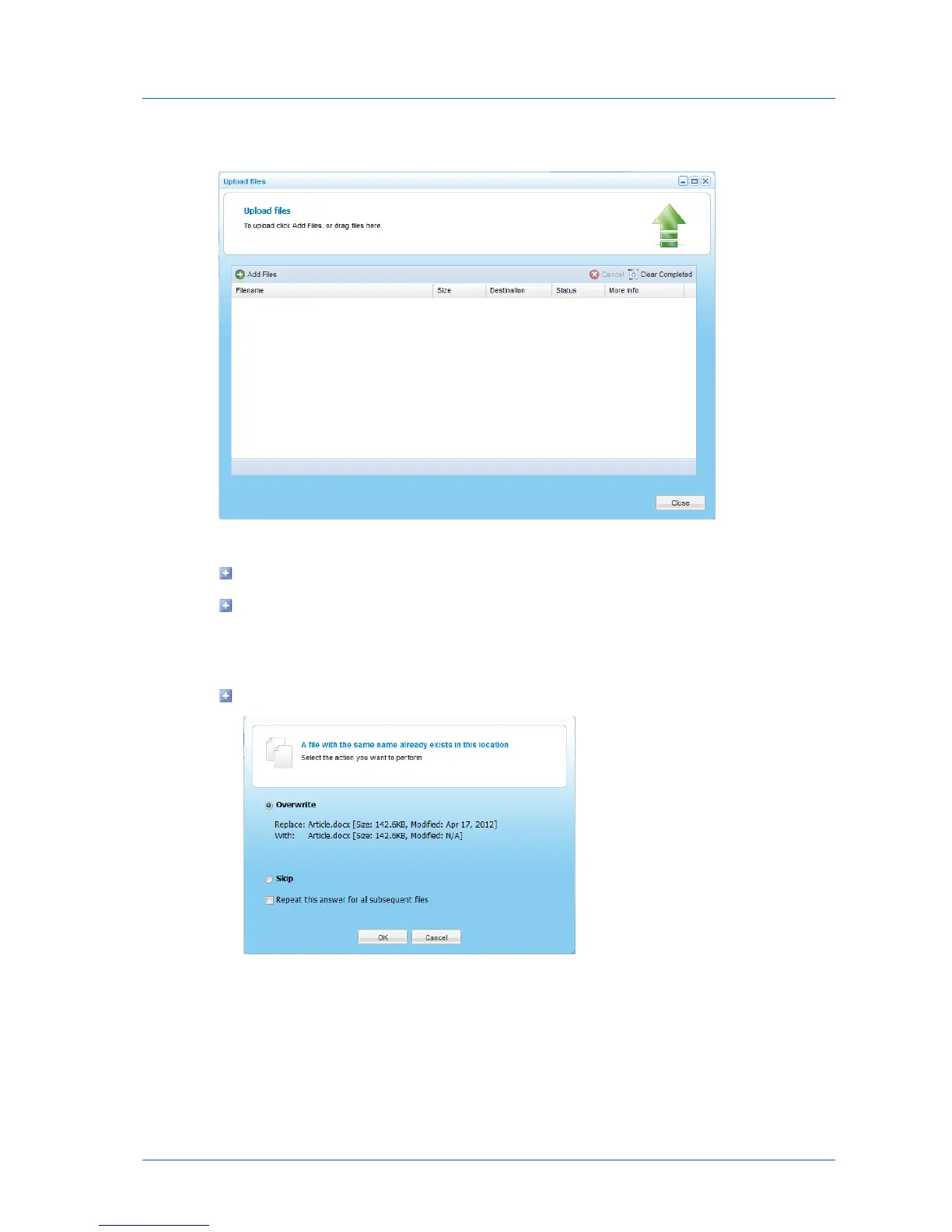
The Upload files window appears.
3 For each file you want to upload, do one of the following:
Click Add files and browse to the desired file.
If using Google Chrome or Mozilla FireFox, drag and drop a file from your computer to
the Upload files window.
The following things happen:
If the file already exists, the following window appears.
To overwrite the file in cloud storage with the file on your computer, choose
Overwrite and click Ok. Otherwise, upload of this file will be canceled.



 To Next Page