The groups Read Only Administrators and Administrators are built-in. It is not
possible to edit the built-in user groups' names or descriptions.
To add or edit a user group
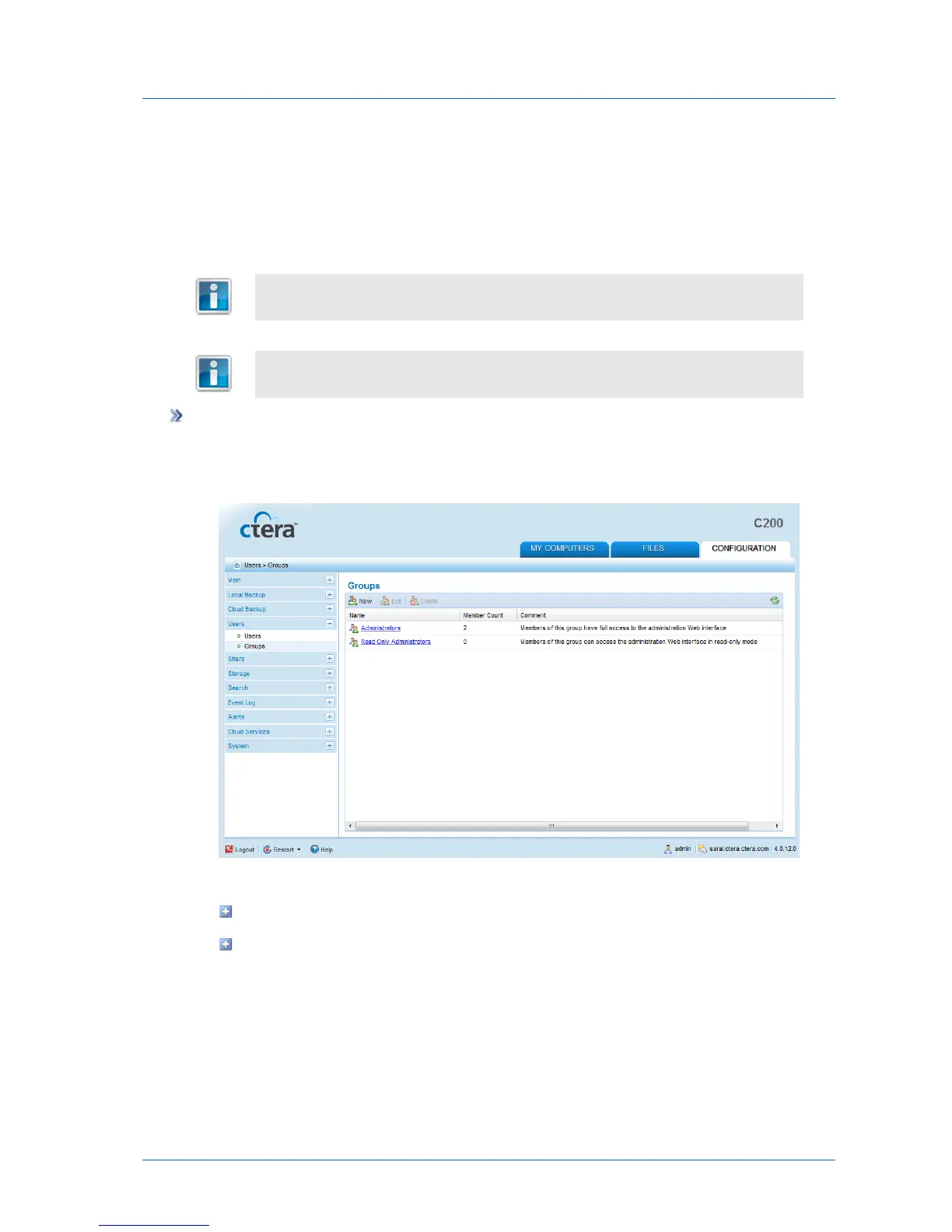
1 In the Configuration tab's navigation pane, click Users > Groups.
The Users > Groups page appears.
2 Do one of the following:
To add a new user group, click New.
To edit an existing user group, click on its name.



 To Next Page