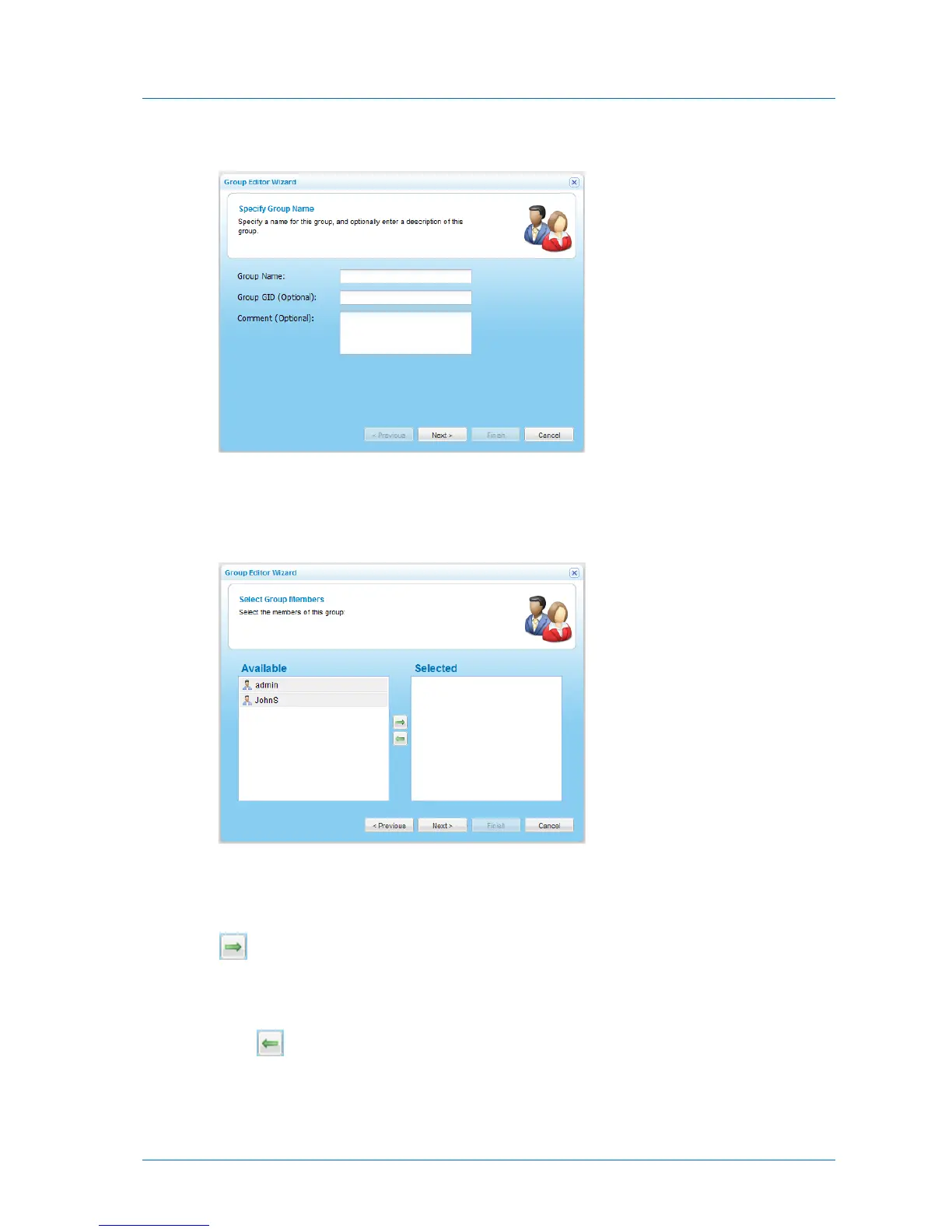
The Group Editor Wizard opens, displaying the Specify Group Name dialog box.
3 Complete the fields using the information in the following table.
4 Click Next.
The Select Group Members dialog box opens.
The Available pane lists all users that have not yet been assigned to the user group, and
the Selected pane lists all users who have been assigned to the user group.
5 To add a user to the user group, select the desired user in the Available pane, then click
.
The user appears in the Selected pane.
6 To remove a user from the user group, select the desired user in the Selected pane, then
click .
The user appears in the Available pane.
7 Click Next.



 To Next Page