If your computer is configured to show icons for UPnP devices, the appliance is
automatically detected and appears in the list of network places.
Otherwise, do the following:
1 In the Network Tasks pane, click Show icons for networked UPnP devices.
A confirmation message appears.
2 Click Yes.
The Windows Components Wizard opens and makes the necessary configuration
changes.
The appliance now appears in the list of network places.
2 Double-click on the icon named CTERA appliance.
In Windows 8, Windows 7 and Vista, the icon is ; in Windows XP, it is .
After connecting, you can add a bookmark in your Web browser, for easy access
to the appliance Web interface.
Mac OS
To connect to the appliance Web interface
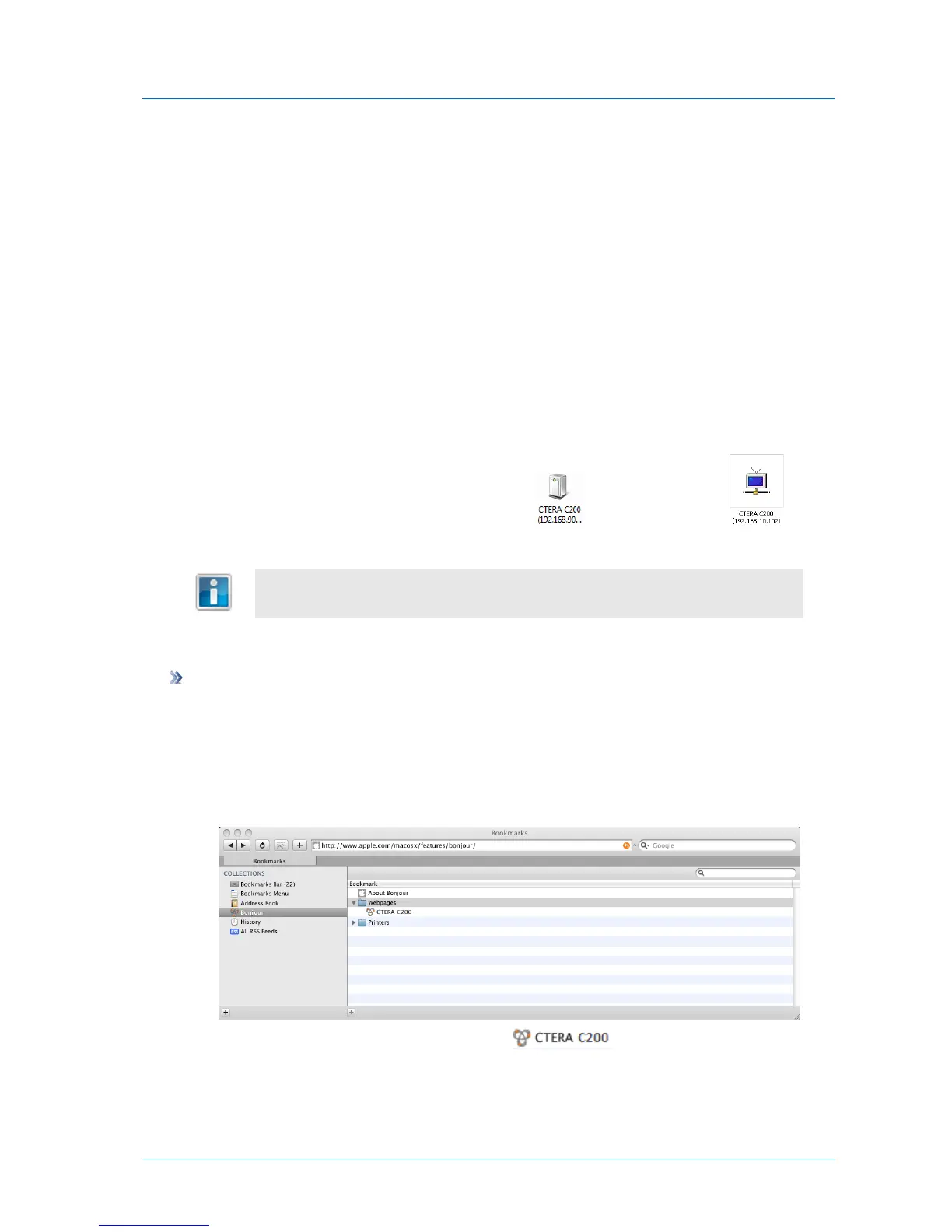
1 On a computer connected to the same switch as the appliance, run Safari.
2 Open Bookmarks.
3 In the Collections pane, select Bonjour.
4 In the right pane, expand Webpages.
5 Double-click on the name of your appliance .



 To Next Page