Configuring Email Alert Settings
To configure email alerts
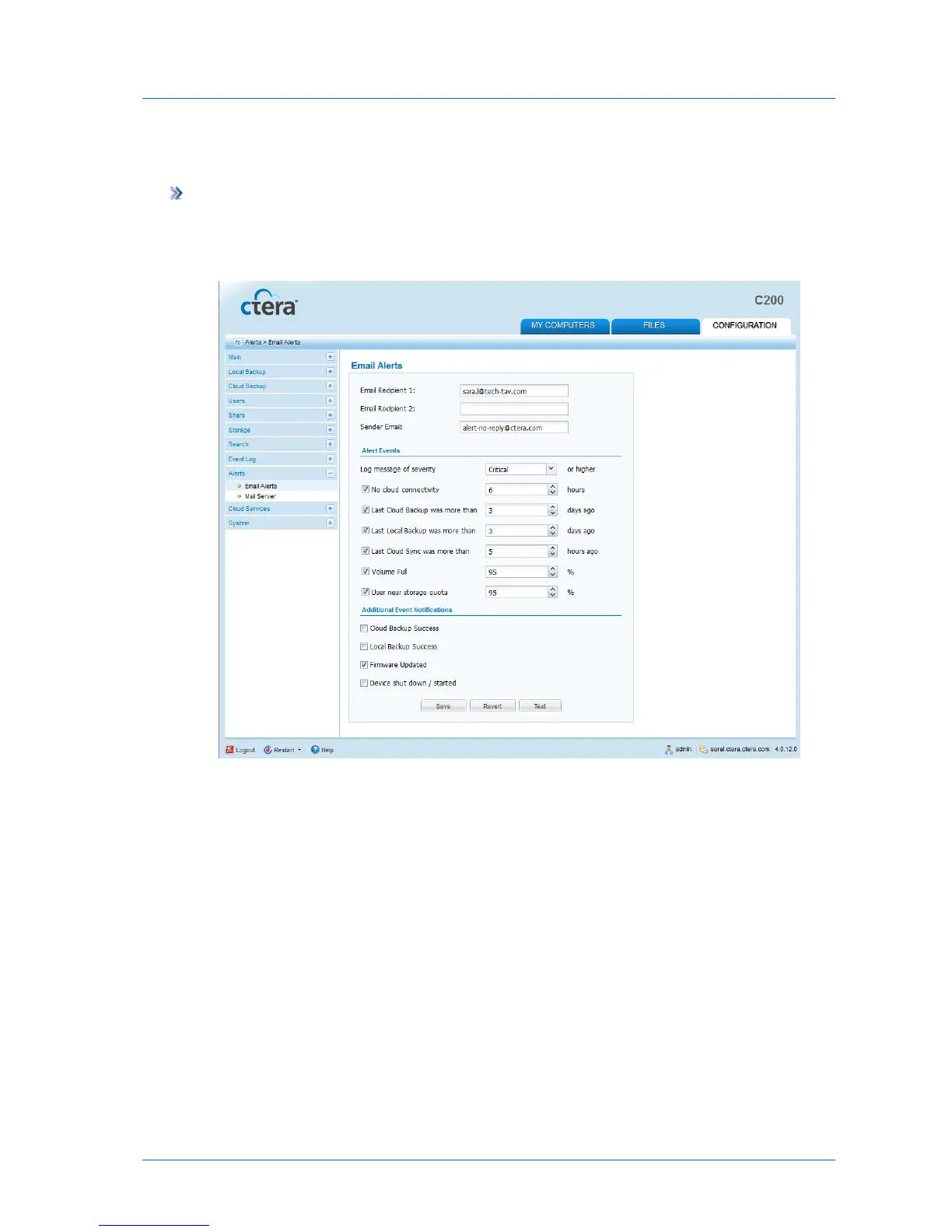
1 In the Configuration tab's navigation pane, click Alerts > Email Alerts.
The Alerts > Email Alerts page appears.
2 Complete the fields using the information in the following table.
3 Click Save.
4 To test the configuration, click Test.
A test email is sent to the specified email addresses.



 To Next Page