Opening Menu Sections
In order to view the contents of a menu section in the navigation pane, you must open it.
To open a menu section
Do one of the following:
Click on the section's name.
Next to the section's name, click .
The section opens, revealing its contents.
Sorting Tables
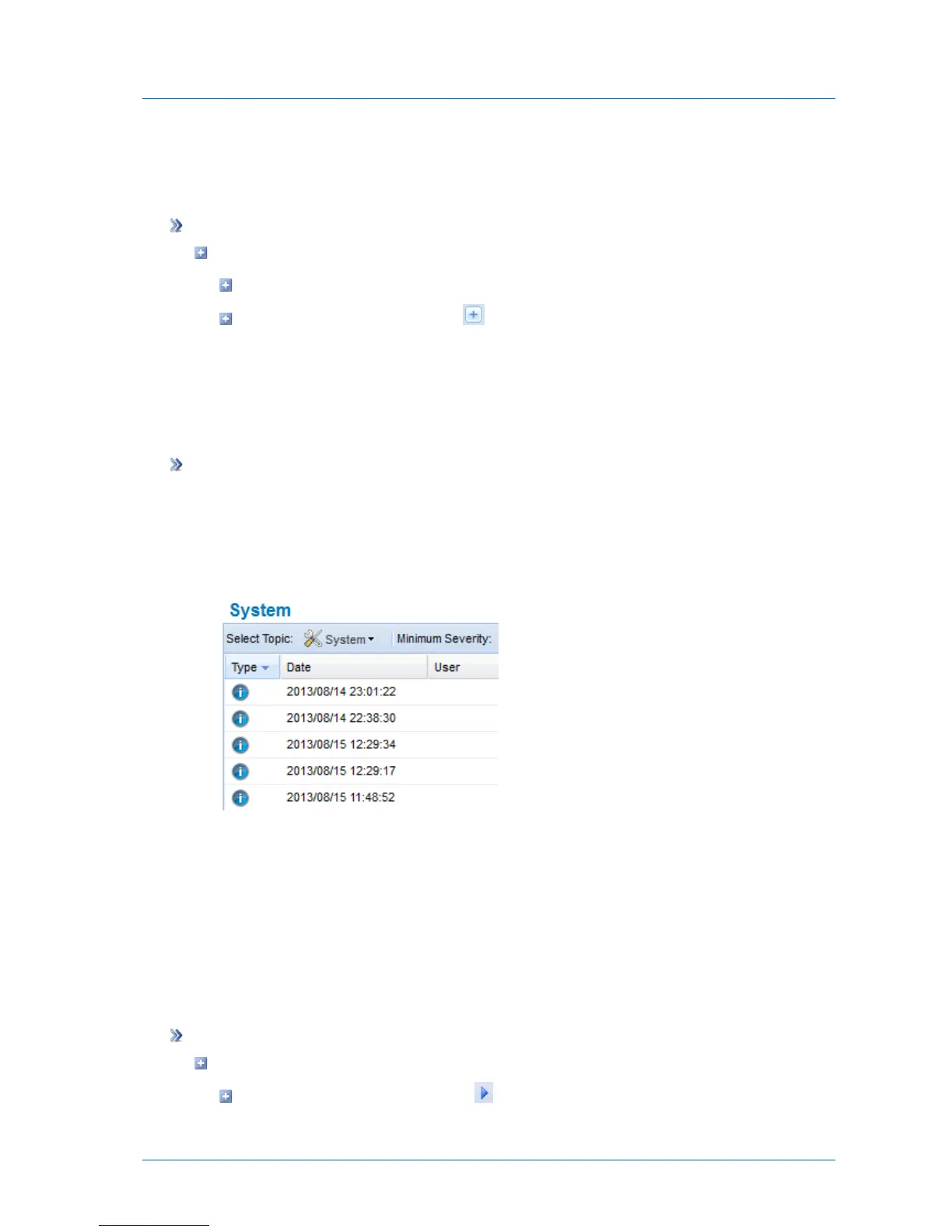
You can sort a table according to a specific column, in ascending or descending order.
To sort a table according to a column
1 Click on the desired column's heading.
The table is sorted according to the column. An arrow in the column's heading indicates
that the table is sorted according to the column. The arrow's direction indicates the sort
order.
In this example, the table is sorted according to the Date column, in ascending order.
2 To reverse the column's sort order, click on the column's heading again.
The sort order is reversed.
Navigating Between Table Pages
When a table contains multiple pages, you can navigate between the pages by using the
controls at the bottom of the table.
To navigate between pages
Do any of the following:
To navigate to the next page, click .



 To Next Page