To complete sync rule configuration
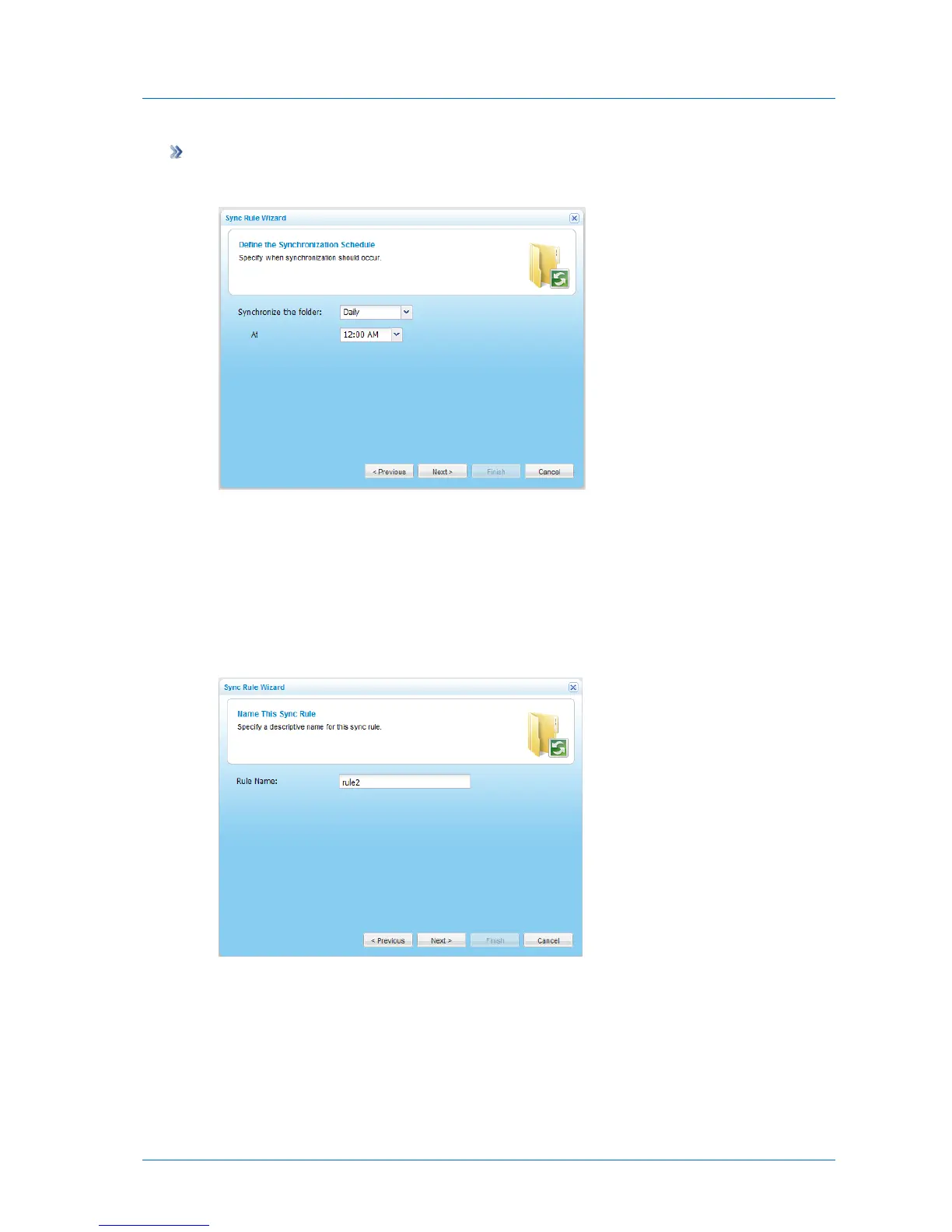
The Define the Synchronization Schedule dialog box appears.
1 In the Synchronize the Folder field, select the frequency at which the folder should be
synchronized.
2 In the fields that appear, use the controls provided to specify the exact day, date, or hour
at which the folder should be synchronized.
3 Click Next.
The Name This Sync Rule dialog box appears.
4 In the Rule Name field, type a name for the sync rule.
This name will appear in the synchronization logs.
5 Click Next.



 To Next Page