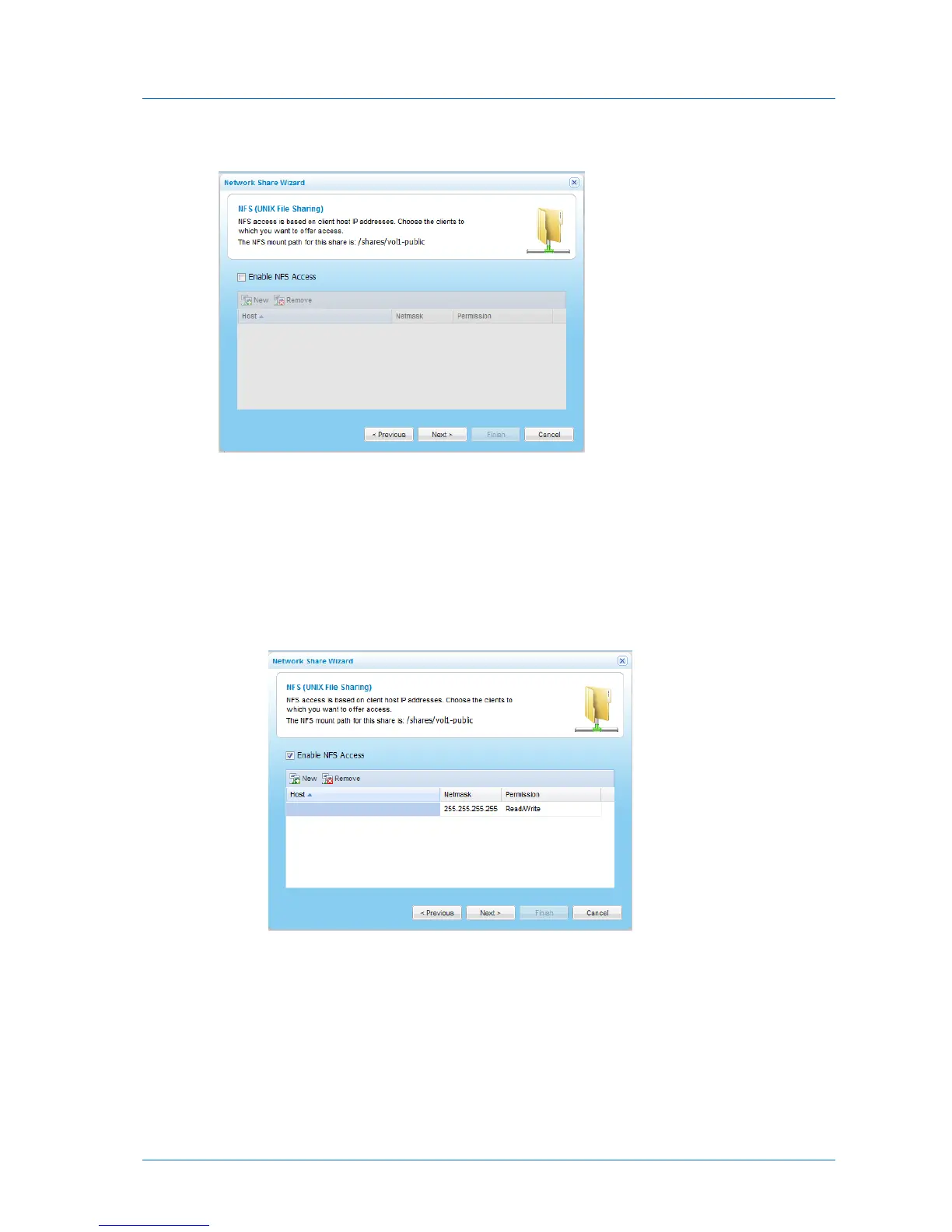
The NFS (UNIX File Sharing) dialog box appears.
11 To enable NFS access to the network share, do the following:
a Select the Enable NFS Access check box.
b Add the IP addresses of clients that should be allowed NFS access to network share,
by doing the following:
1 Click New.
A row appears in the table.
2 Click in the Host column and type the IP address.
3 Click in the Netmask column and edit the netmask.
4 Click in the Permission column and select the permitted level of access to the
network share via NFS.
Options include None, Read Only, and Read/Write.



 To Next Page