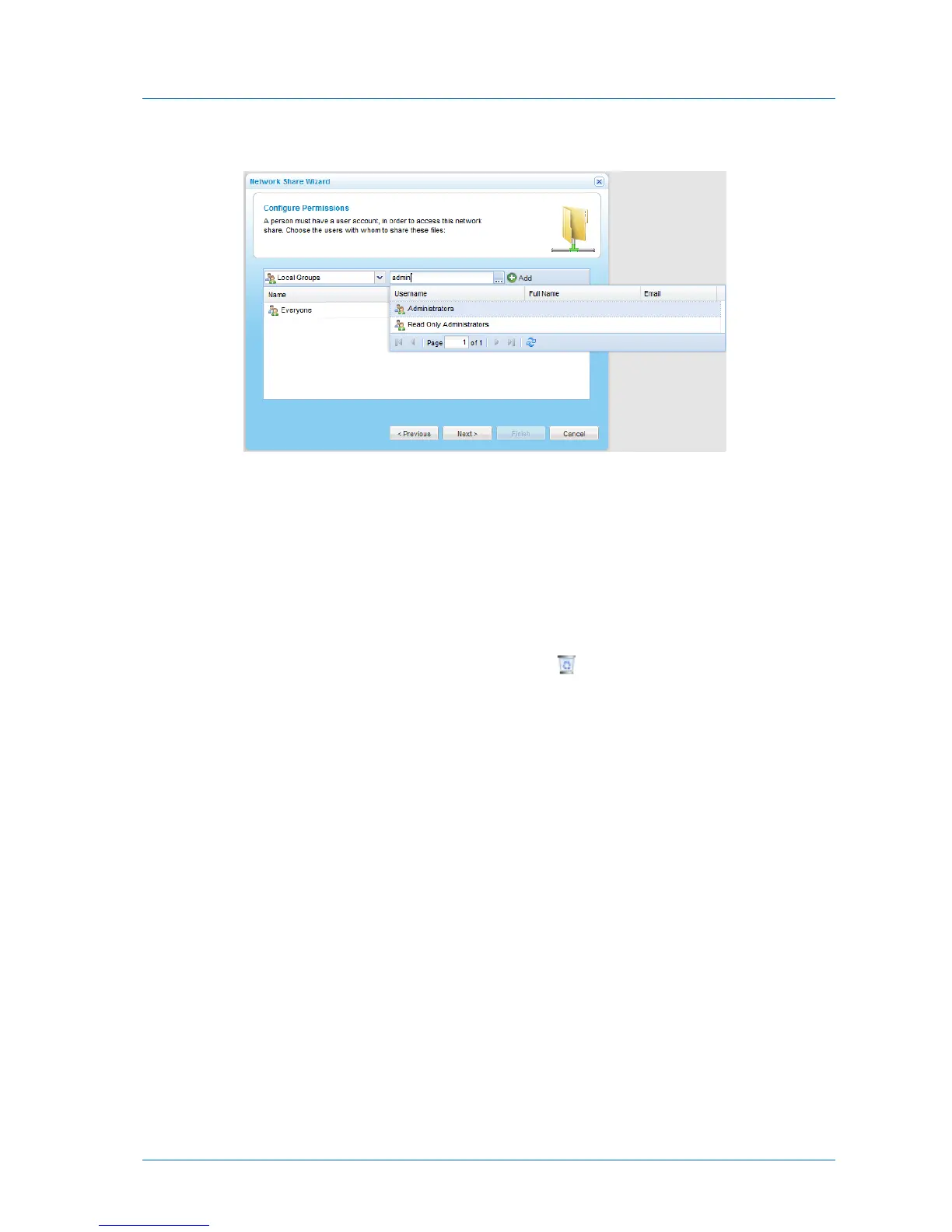
A table of users or user groups matching the search string appears.
c Select the desired user or user group in the table.
The user or user group appears in the Quick Search field.
d Click Add.
The user or user group is added to the list of users and user groups who should have
access to the network share.
For information on editing users, see Adding and Editing Users (on page 252).
14 To remove a user or user group, in their row, click .
The user or user group is removed from the table.
15 In each user and user group's row, click in the Permission column, then select the desired
access level from the drop-down list.
Options include None, Read Only, and Read/Write.
16 Click Next.



 To Next Page