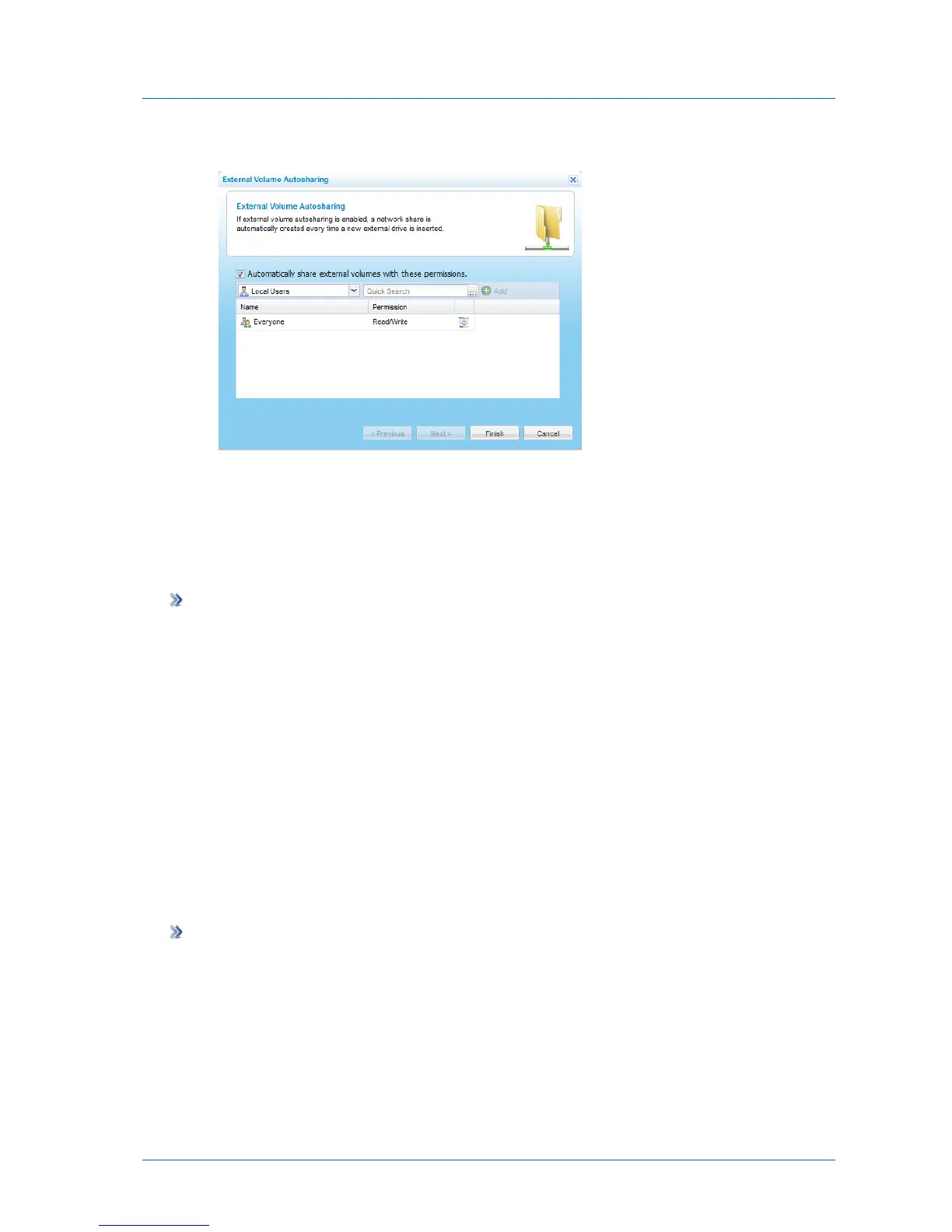
The External Volume Autosharing dialog box opens.
3 Select the Automatically share external volumes with these permissions check box.
You can now configure access lists. See Configuring the Autosharing Access Control List
(on page 127).
4 Click Finish.
To disable autosharing
1 In the Configuration tab's navigation pane, click Share > Shares.
The Share > Shares page appears.
2 Click Autosharing.
The External Volume Autosharing dialog box opens.
3 Clear the Automatically share external volumes with these permissions check box.
4 Click Finish.
Configuring the Autosharing Access Control List
The autosharing access control list is used for all new shares created by external volume
autosharing.
To configure the autosharing access control list
1 In the Configuration tab's navigation pane, click Share > Shares.
The Share > Shares page appears.
2 Click Autosharing.
The External Volume Autosharing dialog box opens.



 To Next Page