CTERA C-Series User Guide 135
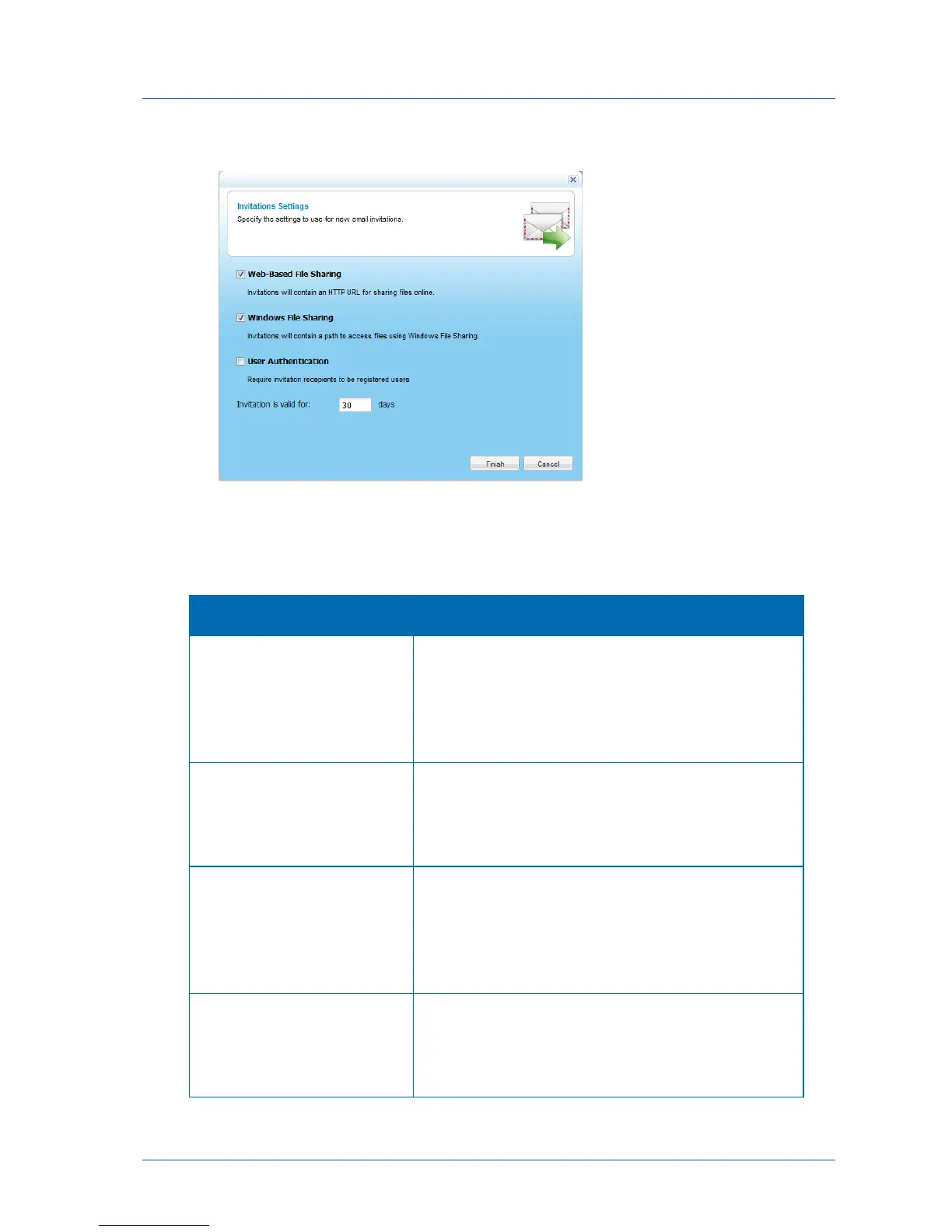
The Invitations Settings dialog box opens.
3 Complete the fields using the information in the following table.
4 Click Finish.
Table 30: Invitations Settings Fields
Select this option to specify that guest invitations should
include a URL to access files online.
This method is ideal for collaborating with users over the
Internet (if the remote access service is enabled), as well as
users in your local network.
Select this option to specify that guest invitations should
include a path to access files using Windows File Sharing.
This method is designed for collaborating with users in your
local network, and not over the Internet.
Select this option to specify that invitation recipients must
successfully authenticate with a valid appliance username and
password in order to view shared files and folders.
By default, invitations can be viewed by anyone, both
authenticated users and unauthenticated guests.
Type the default number of days a guest invitation should
remain valid. The user can override this value when creating an
invitation.
The default value is 30 days.



 To Next Page