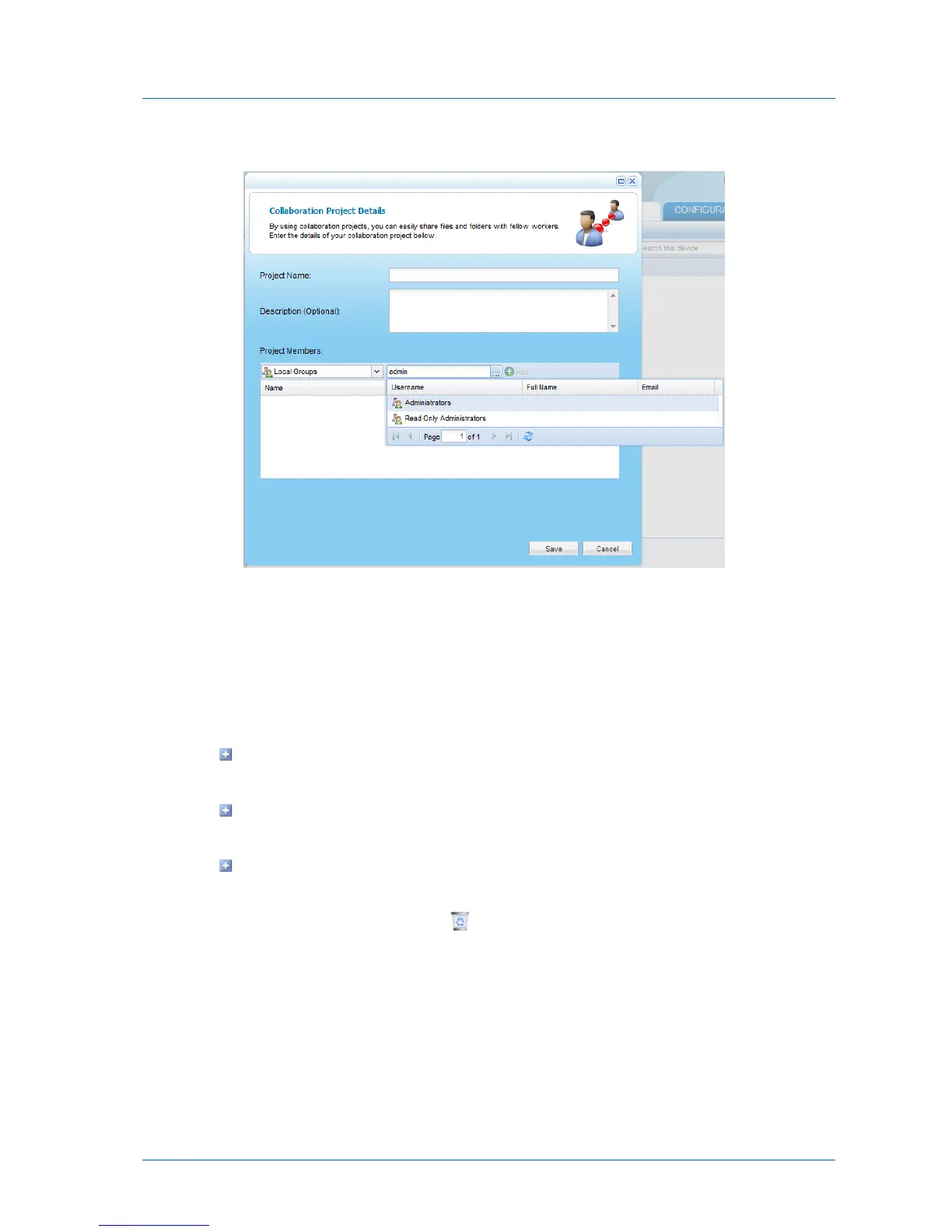
A table of users or user groups matching the search string appears.
c Select the desired user or user group in the table.
The user or user group appears in the Quick Search field.
d Click Add.
The user or user group appears in the Project Member list.
6 In the project member's row, click the Permission field, and do one of the following:
To specify that the member should be able to add, edit, and delete files and folders in
this project, select Read/Write.
To specify that the member should only be able to view files and folders in this
project, select Read Only.
To specify that the member should bot be able to view files and folders in this project,
select None.
7 To delete a project member, click in the desired project member's row.
8 Click Save.



 To Next Page