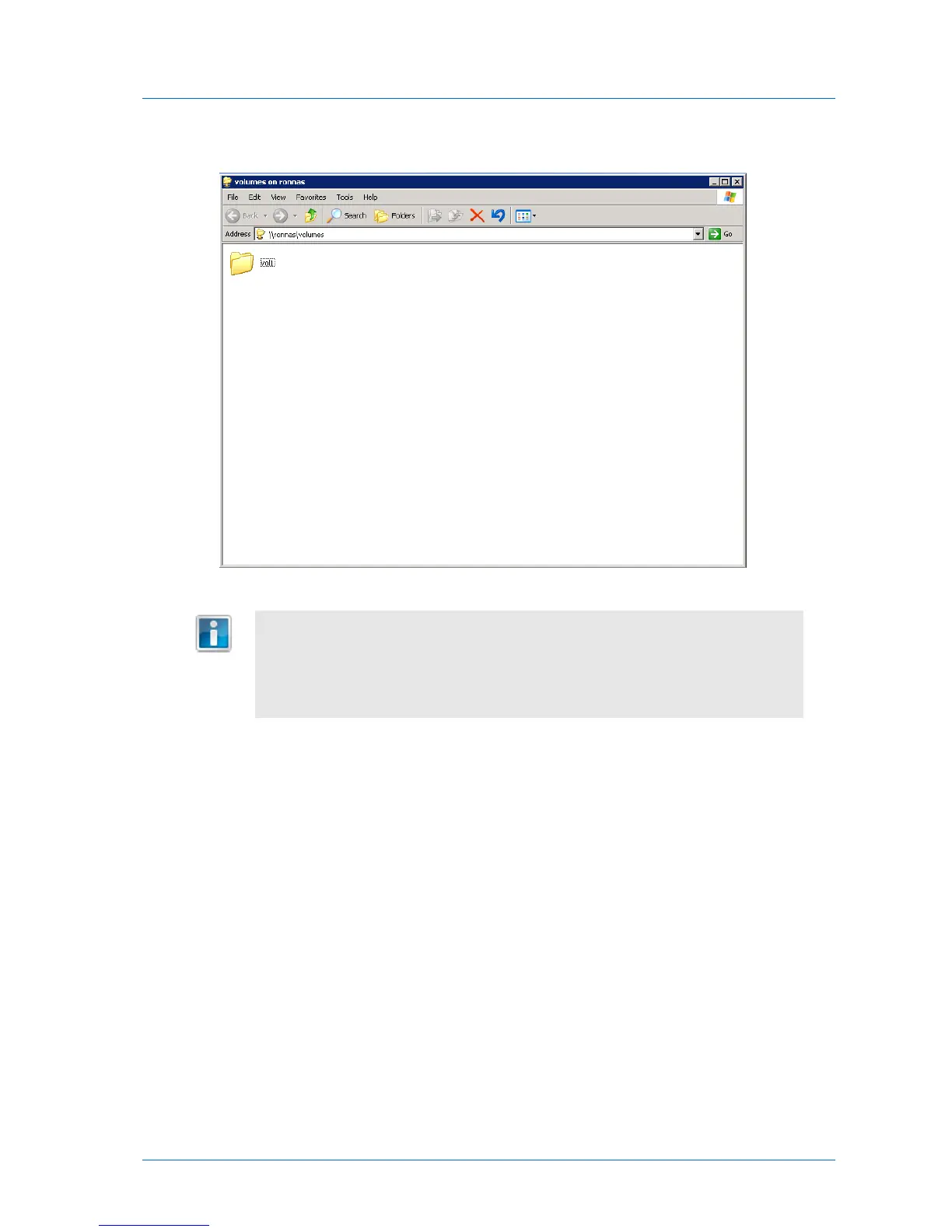
If your user name and password on the computer are identical to a user name and
password on the appliance, then the computer will automatically log in to the
share using that user name and password. You will not be prompted to
authenticate. In all other cases, a pop-up window will appear, and you must
authenticate using a valid user name and password.



 To Next Page