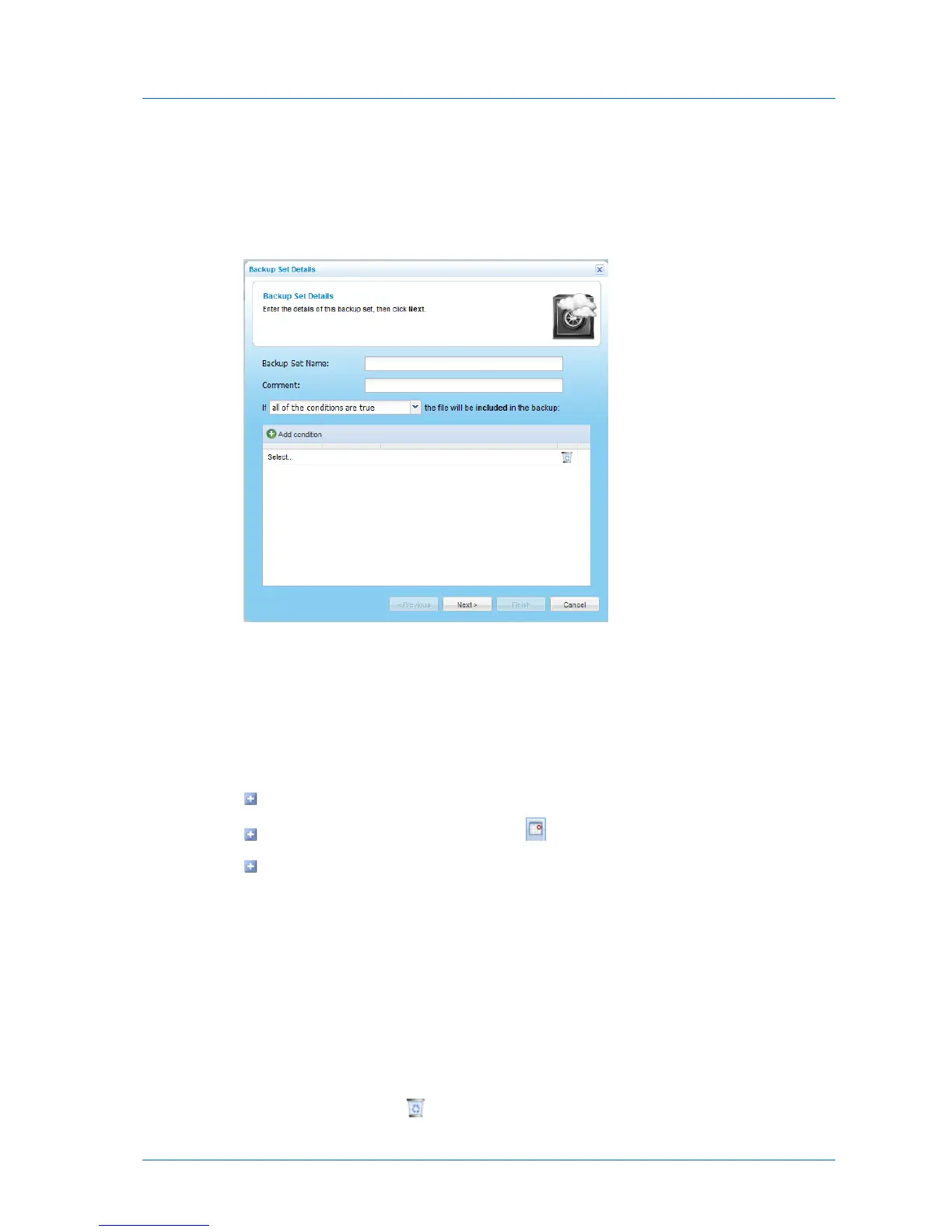
6 Define the desired conditions for a file to be included in the backup set, by doing the
following for each condition:
a Click Add condition.
A row appears in the table.
b Click Select, then select the desired condition parameter from the drop-down list.
c In the second column, click Select, then select the desired condition operator from
the drop-down list.
See Backup Set Condition Operators (page 162).
d Click in the third column, and complete the condition:
If the parameter is File Size, type the desired file size and unit.
If the parameter is File Modified, click and choose the desired date.
For all other parameters, type the desired free-text value.
For example, if you select File Name as the condition parameter in the first column, select
begins with as the condition operator in the second column, and type "Work-123-" in the
third column, then the backup set will include all files whose names begin with
"Work-123-".
Likewise, if you select File Type as the condition parameter in the first column, select is
one of with as the condition operator in the second column, and type "avi, mov, mpg" in
the third column (without the quotation marks), then the backup set will include all files
with the extension *.avi, *.mov, and *.mpg.
7 To delete a condition, click in its row.



 To Next Page