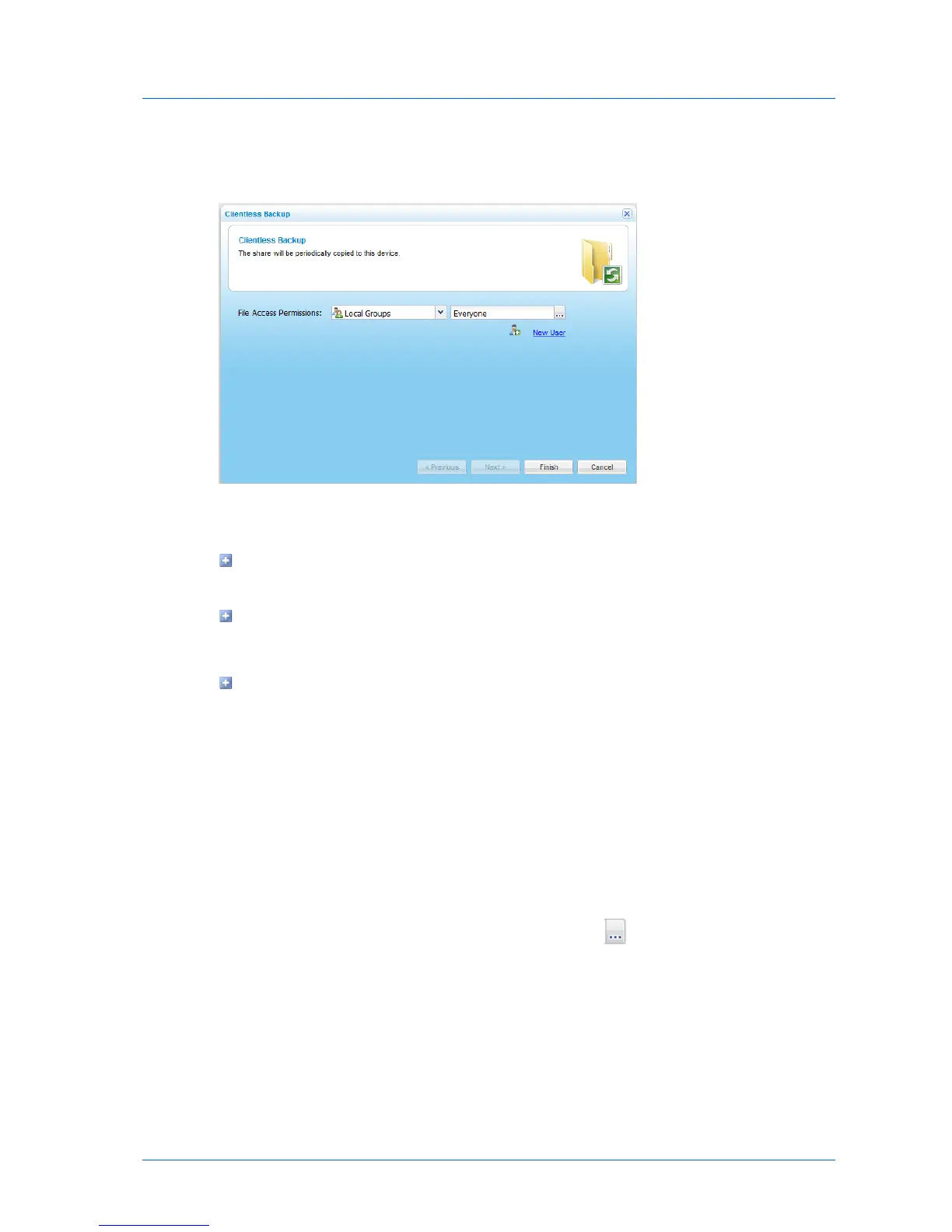
4 Select the desired network share, and click Define Sync.
The Clientless Backup Wizard opens displaying the Clientless Backup dialog box.
5 Specify the user or user group that should be allowed access to the backed up files, by
doing the following:
To specify an existing user or user group, type the name of the user or user in the
Quick Search field.
To add a new user, click New User.
For information on editing users, see Adding and Editing Users (on page 252).
To search for a user or user group:
1 In the Select drop-down list, select one of the following:
Local Users. Search the users defined locally on the appliance.
Domain domain Users. Search the users belonging to the domain called domain.
Local Groups. Search the user groups defined locally on the appliance.
Domain domain Groups. Search the user groups belonging to the domain called
domain.
2 In the Quick Search field, type a string that appears anywhere within the name of
the user or user group you want to add, then click .



 To Next Page