2 Click Next.
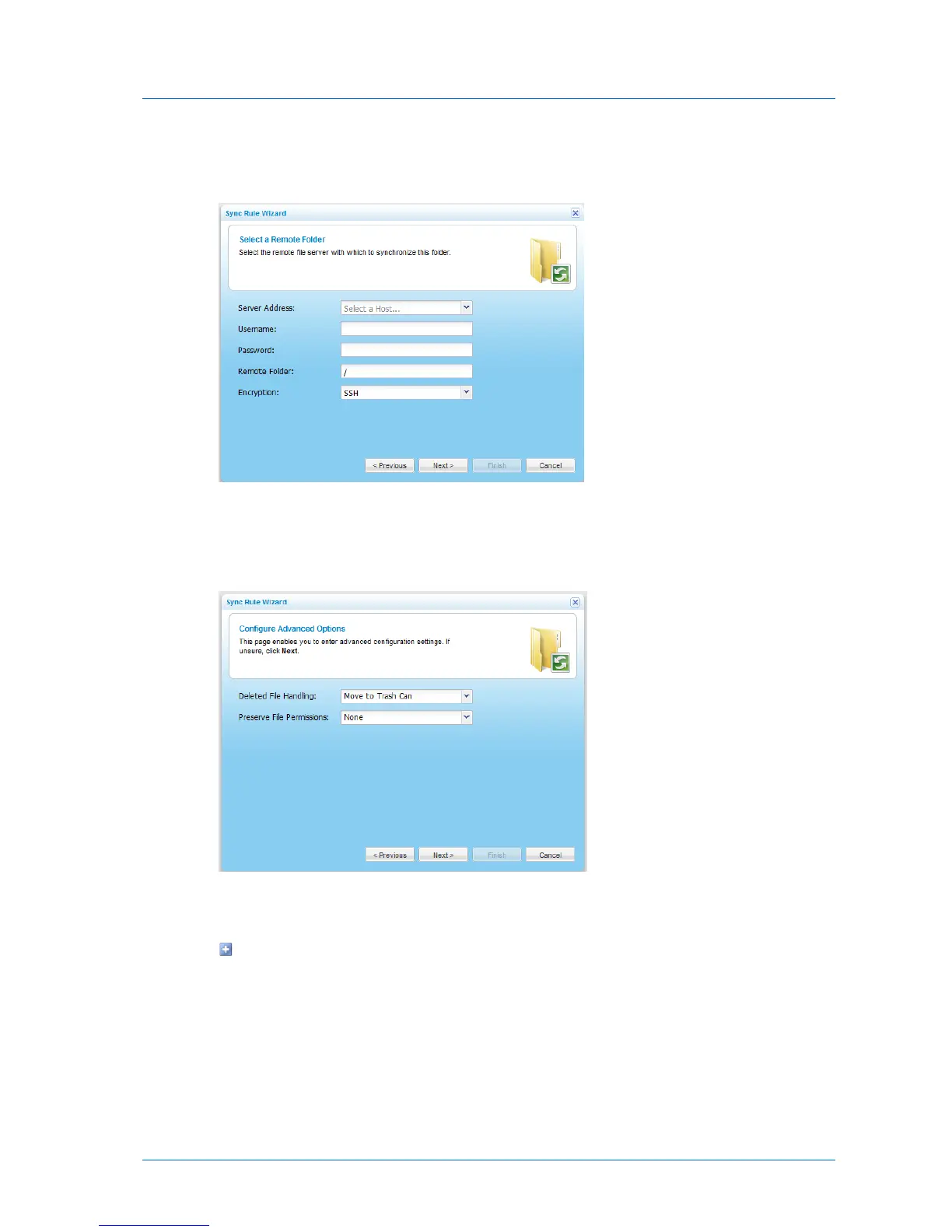
The Select a Remote Folder dialog box appears.
3 Complete the fields using the relevant information in the following table.
4 Click Next.
The Configure Advanced Options dialog box appears.
5 In the Deleted File Handling field, specify how deleted files should be handled, by doing
one of the following:
To specify that files deleted in the source folder should be kept and not deleted in the
destination folder, select Keep Deleted Files.
For example, if you chose to synchronize a local folder to a remote server, and one of
the files in the folder is deleted locally, the file will not be deleted on the remote
server.



 To Next Page