To synchronize with a remote WebDav Server
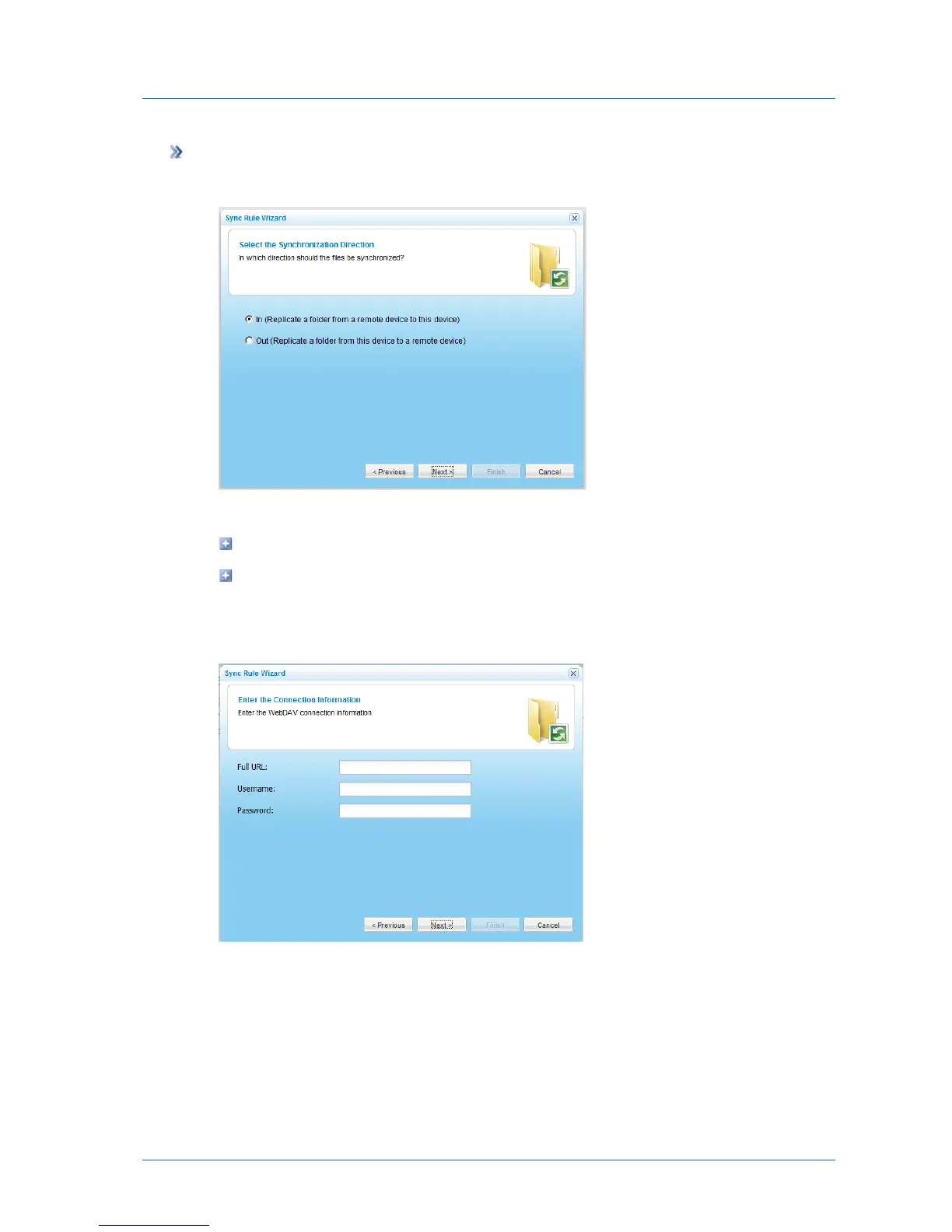
The Select a Synchronization Direction dialog box appears.
1 Specify the synchronization direction, by doing one of the following:
To synchronize a folder from a remote server to the appliance, choose In.
To synchronize a folder from the appliance to a remote server, choose Out.
2 Click Next.
The Enter the Connection Information dialog box appears.
3 Complete the fields using the information in the following table.
4 Click Next.
5 Continue at Completing Synchronized Folder Configuration (page 208).



 To Next Page