You can also select files and folder for backup on the CTERA Agent installed
computer. For information, see Selecting Files and Folders for File-Level Backup.
a In the Files to Back Up field, click .
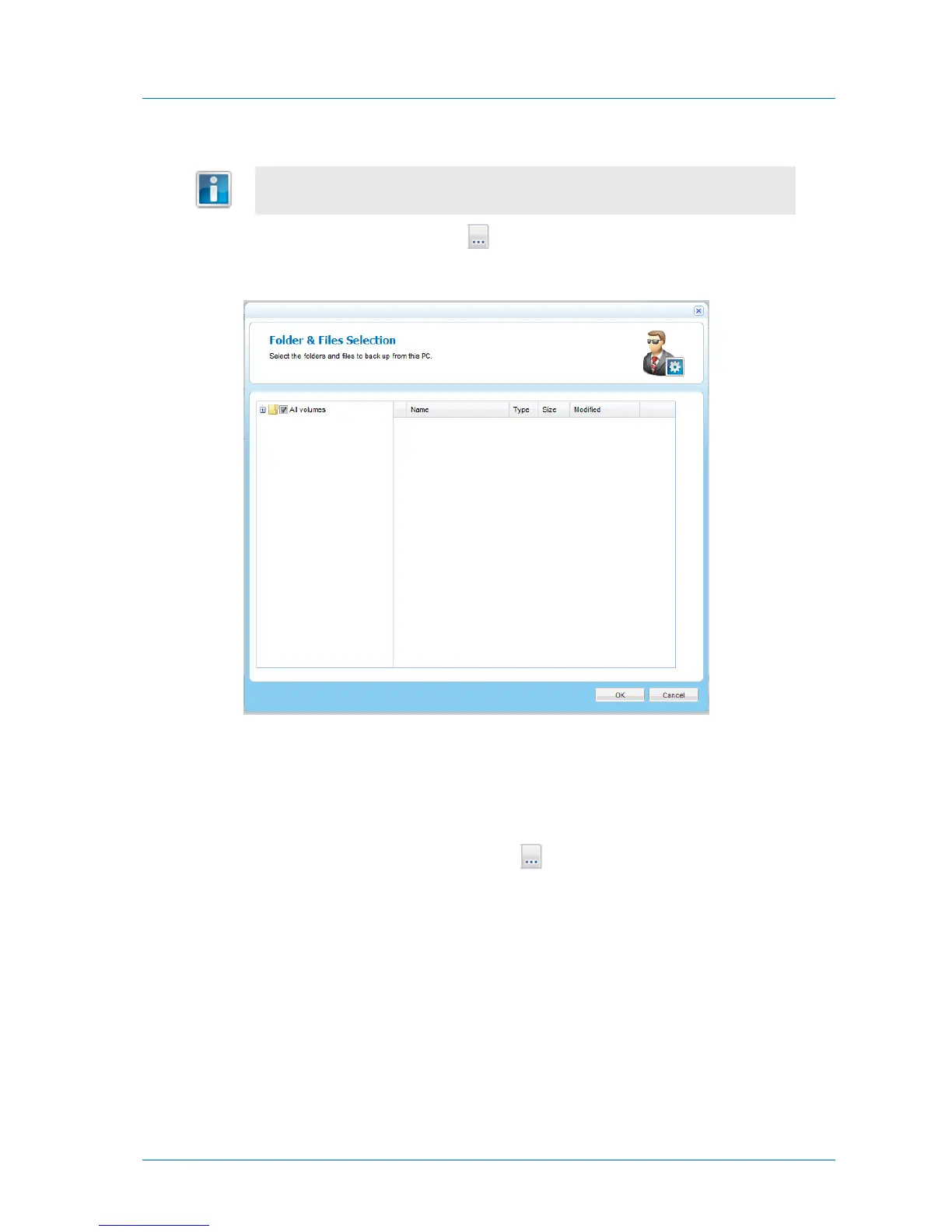
The Folder & Files Selection window opens.
b Expand the tree nodes and select the check boxes next to the folders and files you
want to back up.
c Click OK.
7 To select applications for backup, do the following:
a In the Applications to Back Up field, click .



 To Next Page