Centrally Managing CTERA Agents 12
CTERA C-Series User Guide 239
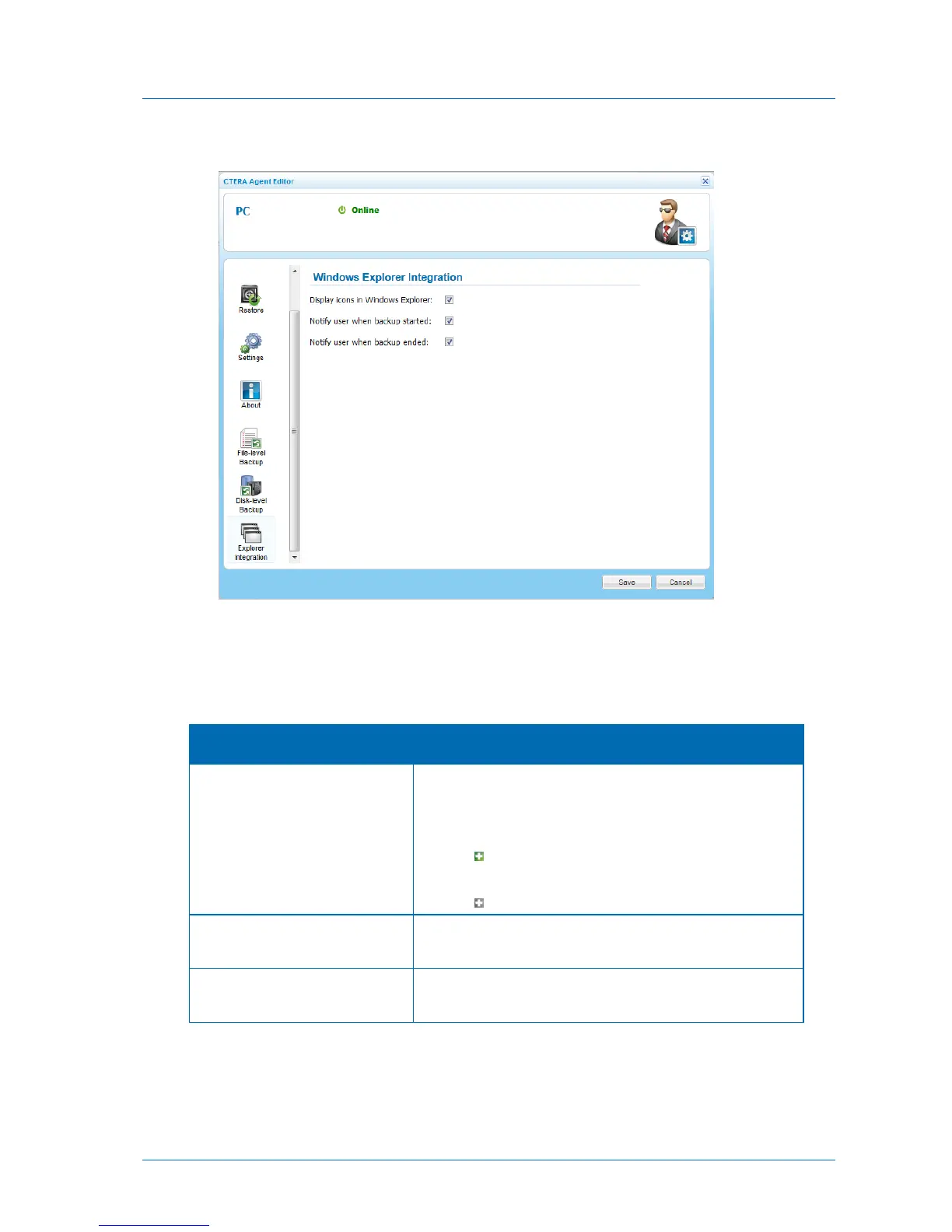
The Explorer Integration tab appears.
3 Complete the fields using the information in the following table.
4 Click Save.
Table 47: CTERA Agent Explorer Integration Fields
Display icons in Windows Explorer
Select this option to display CTERA backup icons in Windows
Explorer.
Files and folders that are selected for backup will be marked
with the icon in Windows Explorer. Folders for which only
part of the contents are selected for backup will be marked
with the icon.
Notify user when backup started
Select this option to display a pop-up notification above the
CTERA Agent tray icon, when backup starts.
Notify user when backup ended
Select this option to display a pop-up notification above the
CTERA Agent tray icon, when backup ends.



 To Next Page