12 Centrally Managing CTERA Agents
248 CTERA C-Series User Guide
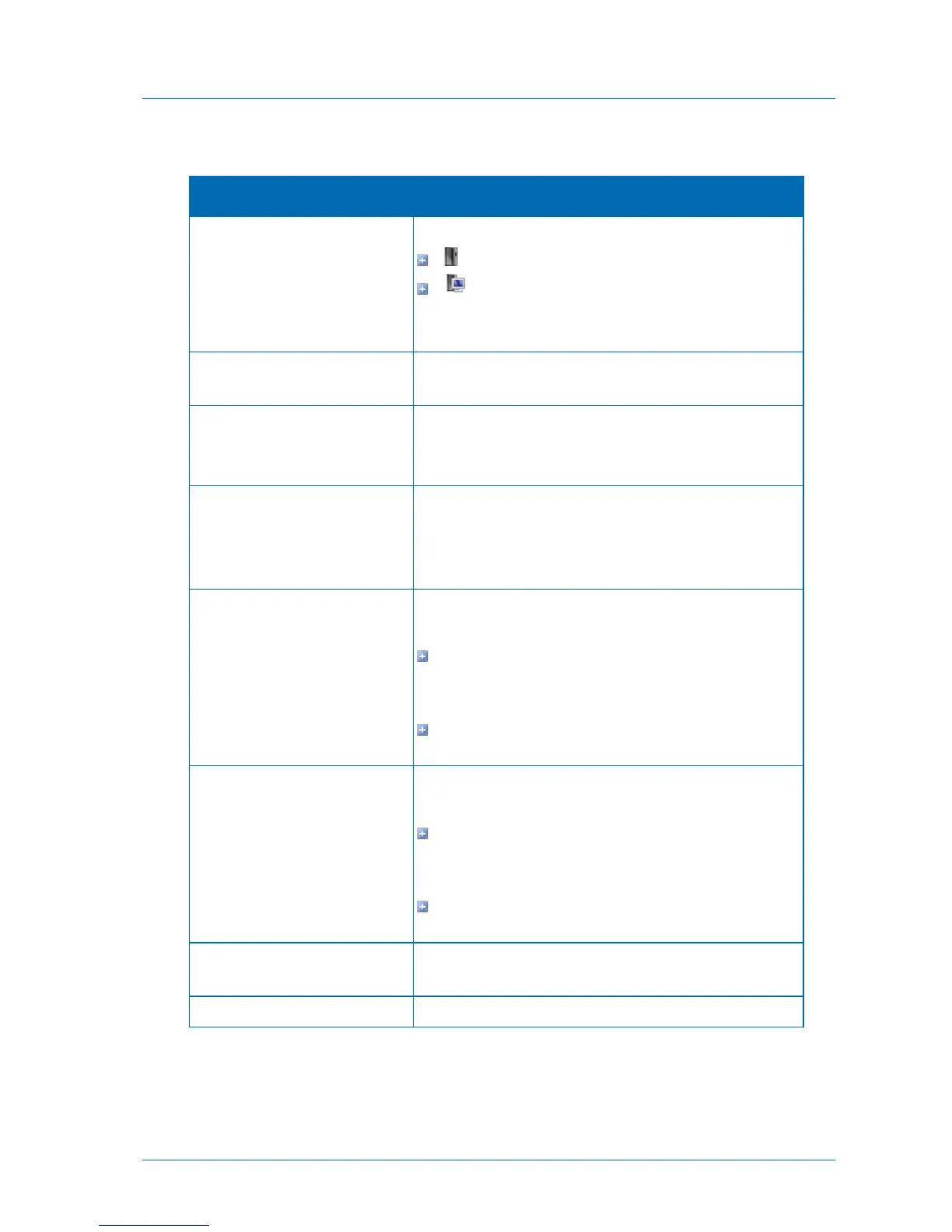
Table 49: CTERA Agent Columns
The CTERA Agent's type. This can be one of the following:
. Server operating system
. Workstation operating system
To view the name of the operating system installed on the
computer where the agent is running, mouse-over the icon.
The name of the computer on which the CTERA Agent is
installed.
The CTERA Agent's current status.
For information on possible statuses, see Agent Statuses (page
246).
A progress bar indicating the progress of the current local
backup operation.
If no backup is running for the CTERA Agent, then this column is
empty.
The result of the last file-level backup of the CTERA Agent. This
can be one of the following:
If the last backup was successful, the backup's status
followed by the amount of time that has elapsed since the
last backup
If the last backup failed, the backup's status followed by the
reason backup failed
The result of the last disk-level backup of the CTERA Agent. This
can be one of the following:
If the last backup was successful, the backup's status
followed by the amount of time that has elapsed since the
last backup
If the last backup failed, the backup's status followed by the
reason backup failed
The user name that was used to connect the CTERA Agent to
the appliance.
The CTERA Agent's software version.



 To Next Page