17 Monitoring Your CTERA Appliance
304 CTERA C-Series User Guide
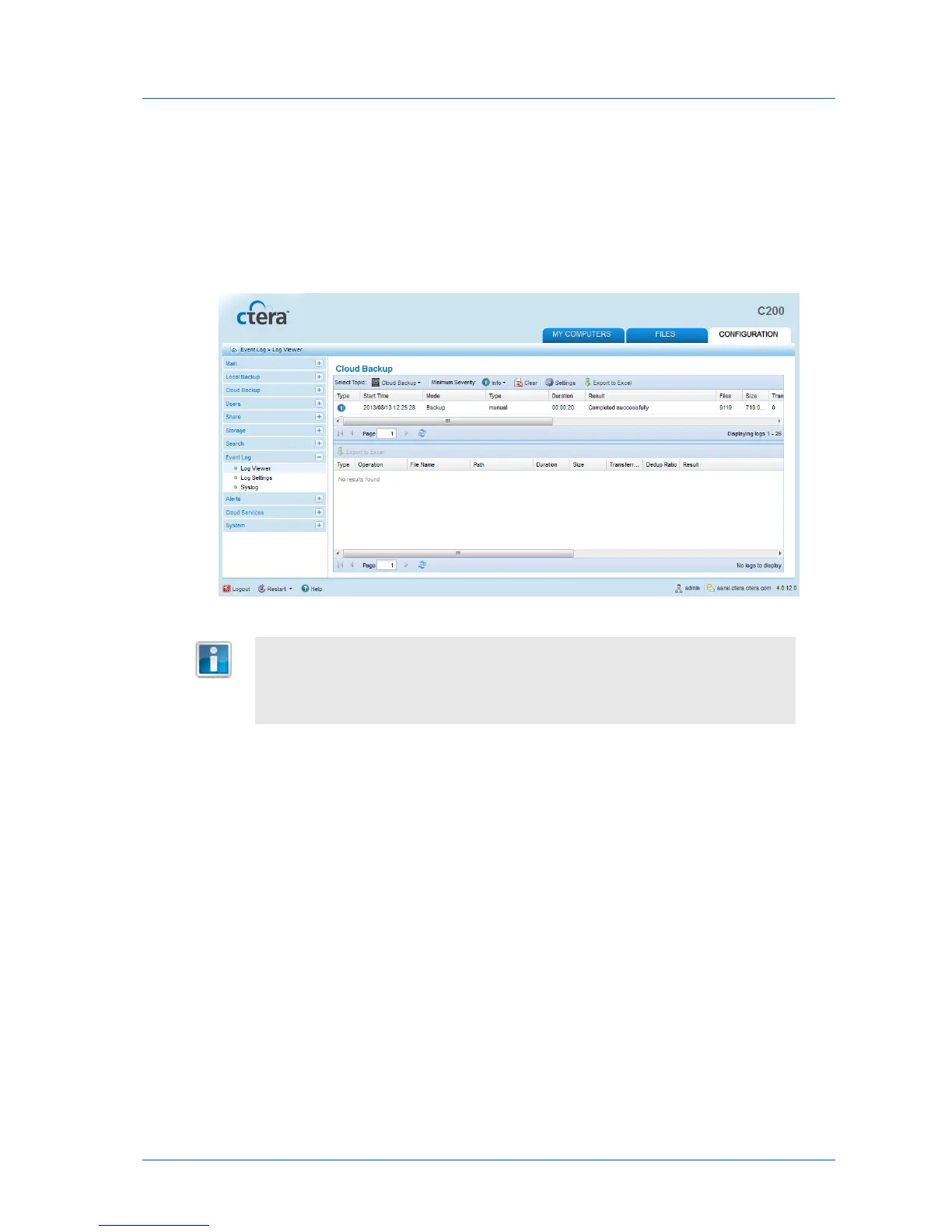
1 In the Configuration tab's navigation pane, click Event Log > Log Viewer.
The Event Log > Log Viewer page appears.
2 In the Select Topic drop-down list, select Cloud Backup.
The Cloud Backup logs appear. For information on the displayed fields, see the following
tables.
By default, the lower pane will appear displaying all files for which an error
occurred during backup. However, if you disabled additional logging for backup
operations, the lower pane will not appear. For information on configuring the
logging level, see Configuring Event Log Settings (on page 296).
2 To view additional logging information for a backup operation, click on the desired
operation in the upper pane.
Information about files included in the backup operation appears in the lower pane.



 To Next Page