17 Monitoring Your CTERA Appliance
310 CTERA C-Series User Guide
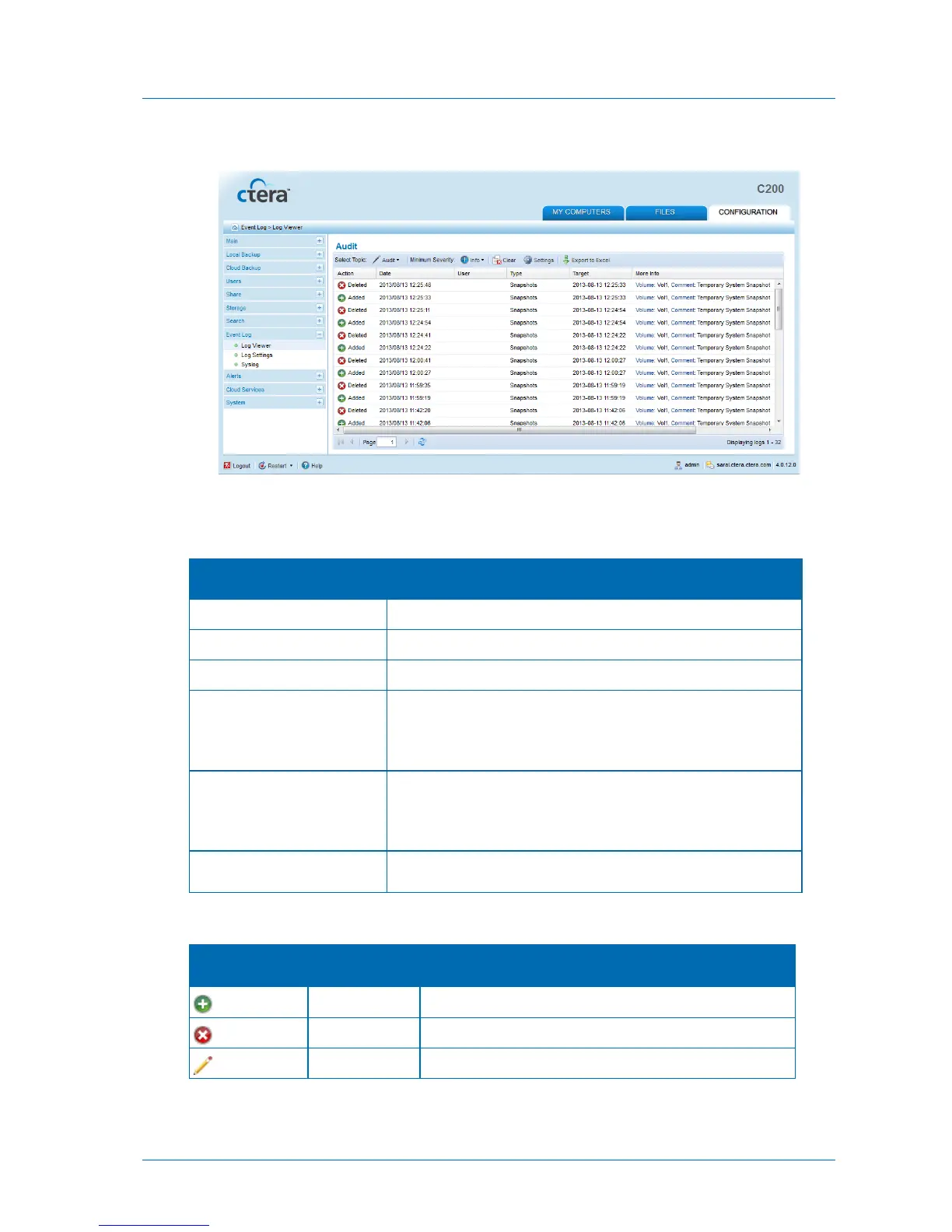
The Audit logs appear.
The following information is displayed:
Table 72: Audit Log Fields
The action type. See Audit Log Action Types (page 310).
The date and time at which the event occurred.
The user who performed the action.
The type of setting that was affected by the action.
For example, if user JohnS was deleted, this column displays
"Users".
The object that was affected by the action.
For example, if user JohnS was deleted, this column displays
"JohnS".
Additional information about the event.
An object was added to the appliance Web interface.
An object was deleted from the appliance Web interface.



 To Next Page