To encrypt files using a secure 256-bit encryption key automatically generated by your
appliance, before backing up the files online, choose Allow CTERA to automatically
generate and store my encryption key.
For increased security, you can optionally secure your files further, with a secret
passphrase that is known only to you, by doing the following:
1 Choose I will provide a secret passphrase. My files cannot be accessed without
this passphrase.
2 Click Next.
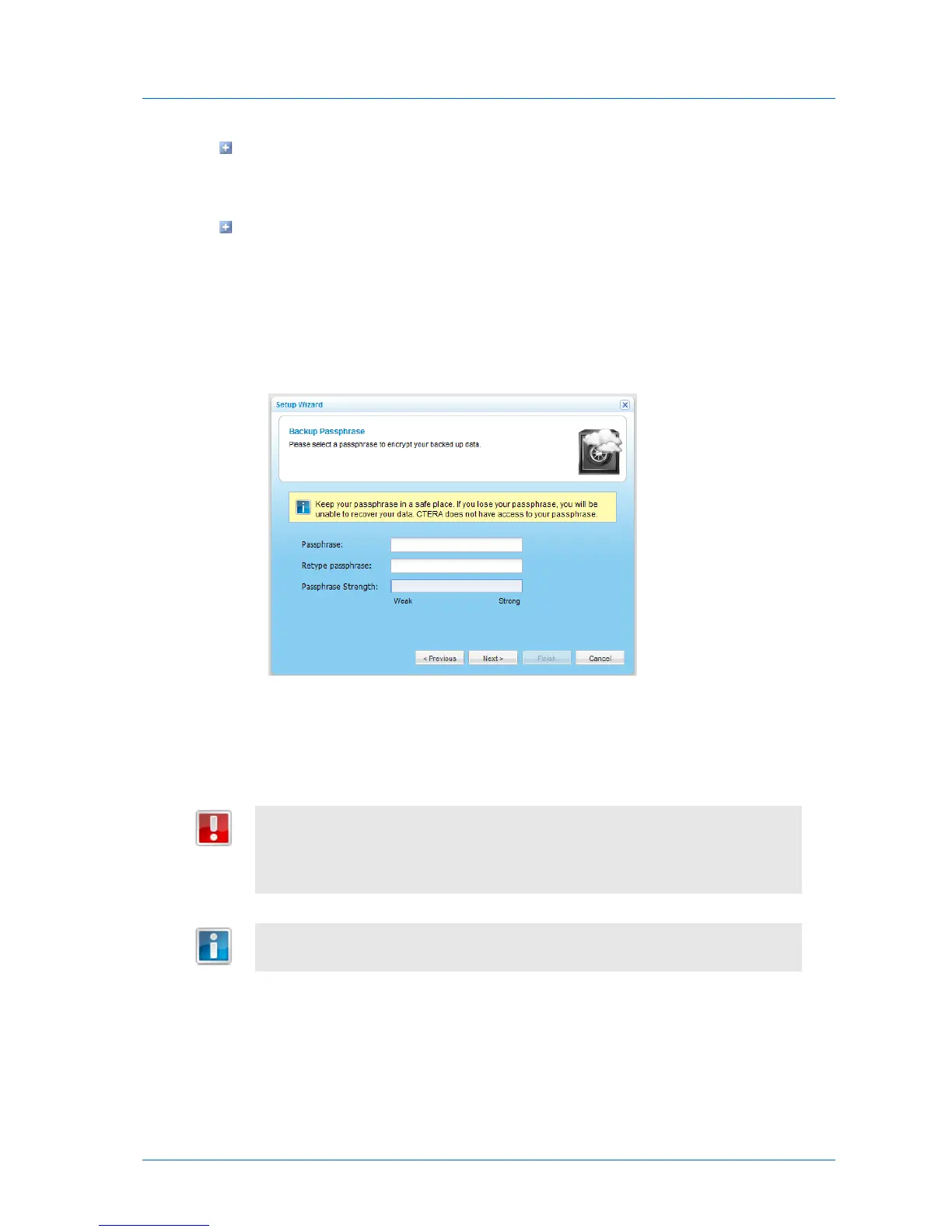
The Backup Passphrase dialog box appears.
3 In the Passphrase and Retype passphrase fields, type the passphrase you want to
use for accessing your files.
The Passphrase Strength field displays the passphrase's strength.
Your passphrase is completely confidential, and CTERA does not retain it online or
offline. It is therefore important to keep this passphrase in a safe place, as there is
no way of retrieving it if you lose it. Without this passphrase, you cannot access
your files.
You can change your passphrase in the CTERA Portal; however, you need to
remember the passphrase in order to do so.



 To Next Page